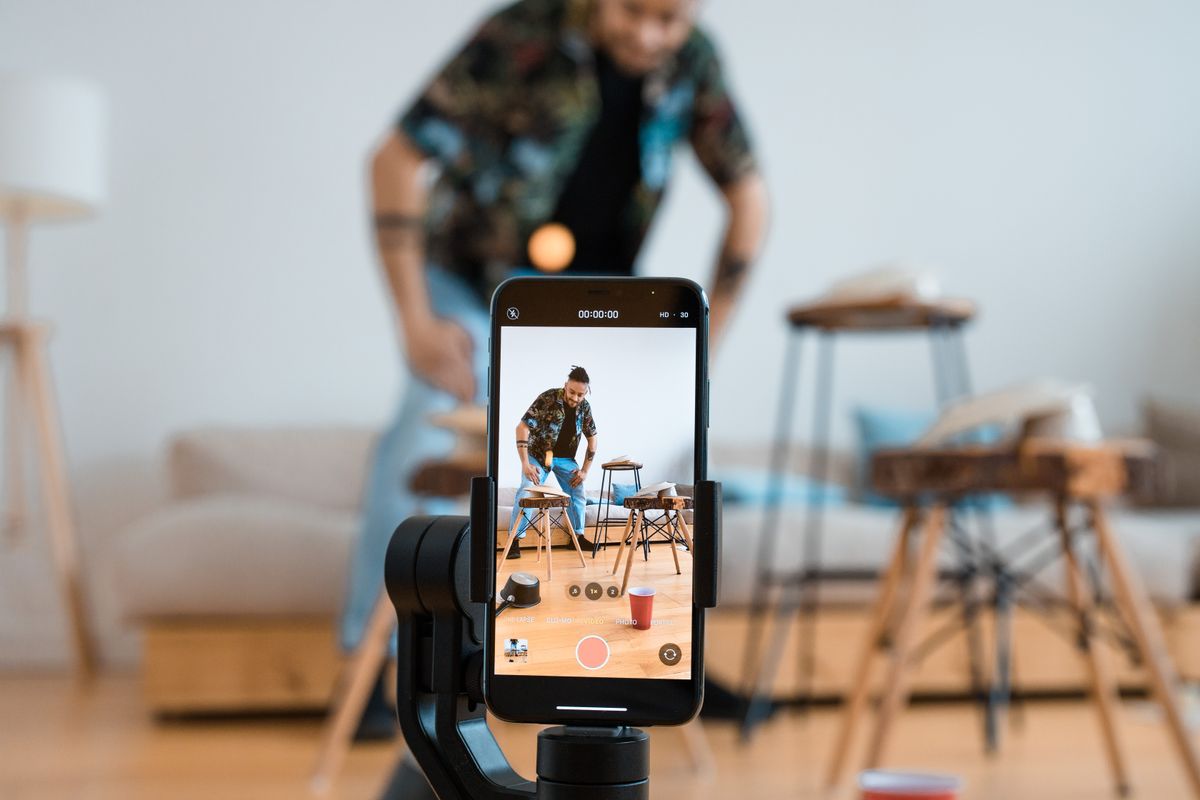
A Smartphone Tripod for Family Videos: Buy for the Shot You Actually Want
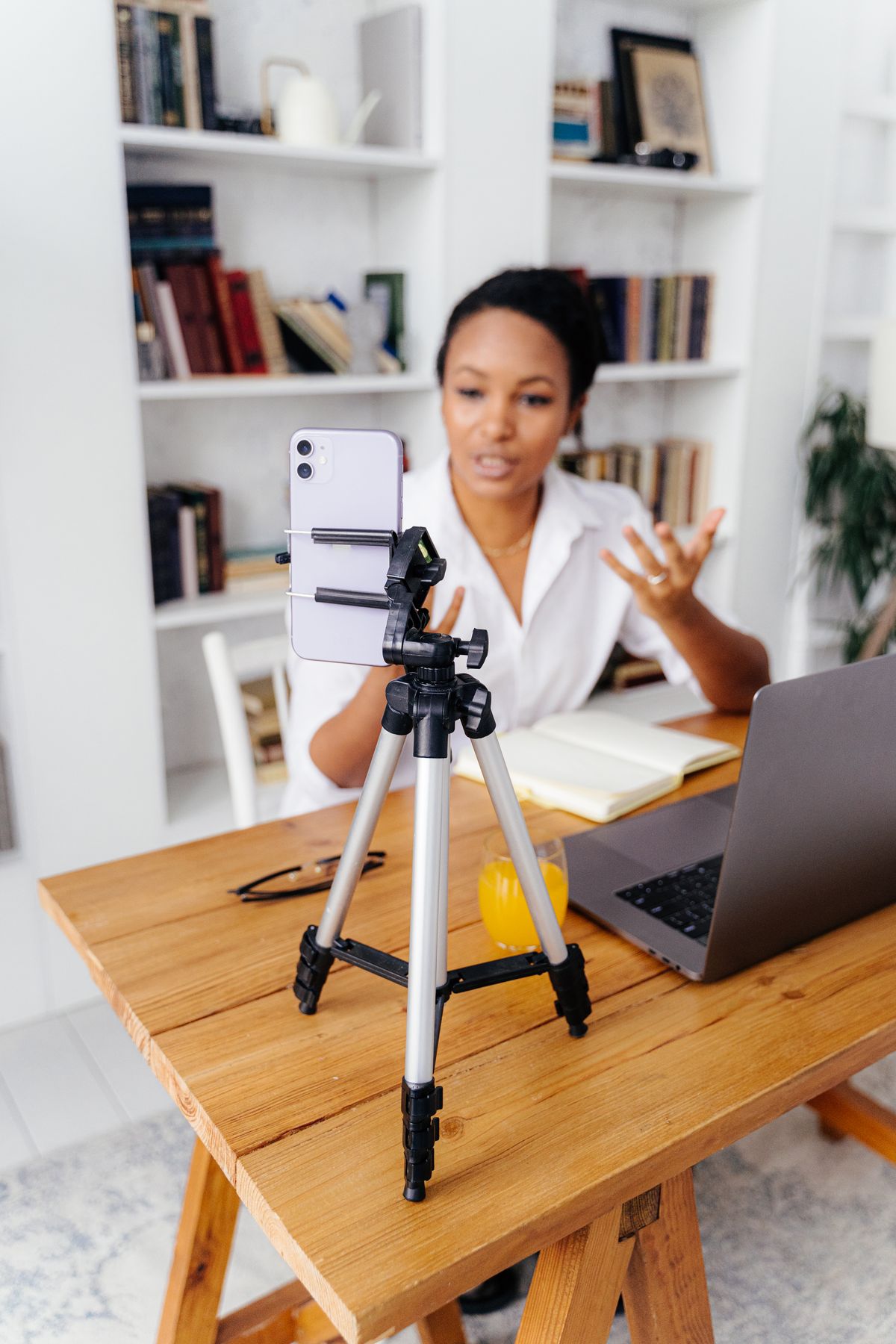
Get everyone into the birthday video without balancing a phone on a mug. Compare tabletop supports, full-height tripods, clamps, and useful recording controls.
58 practical guides. Five everyday categories. Start with the problem you want to solve.
58 guides
Get everyone into the birthday video without balancing a phone on a mug. Compare tabletop supports, full-height tripods, clamps, and useful recording controls.
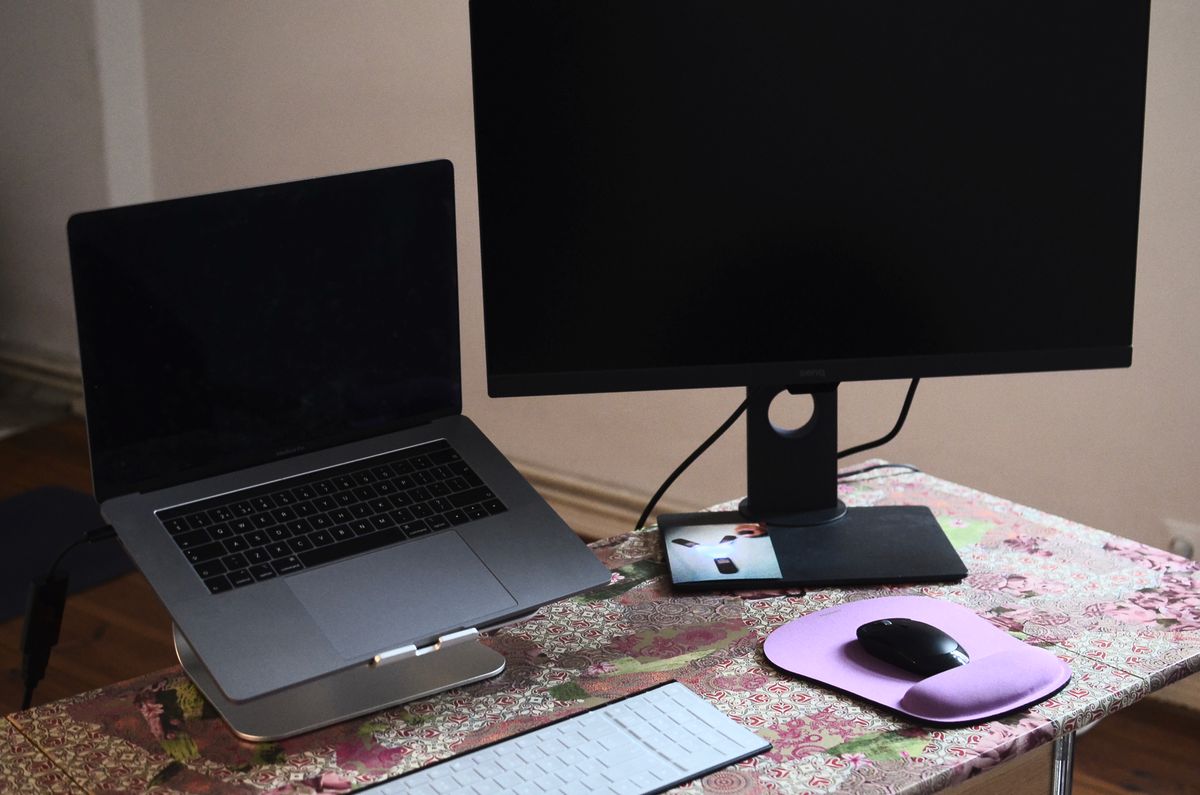
A shared table needs an accessory that is easy to set up and put away. Compare fixed, folding, and adjustable laptop stands around your screen and input devices.
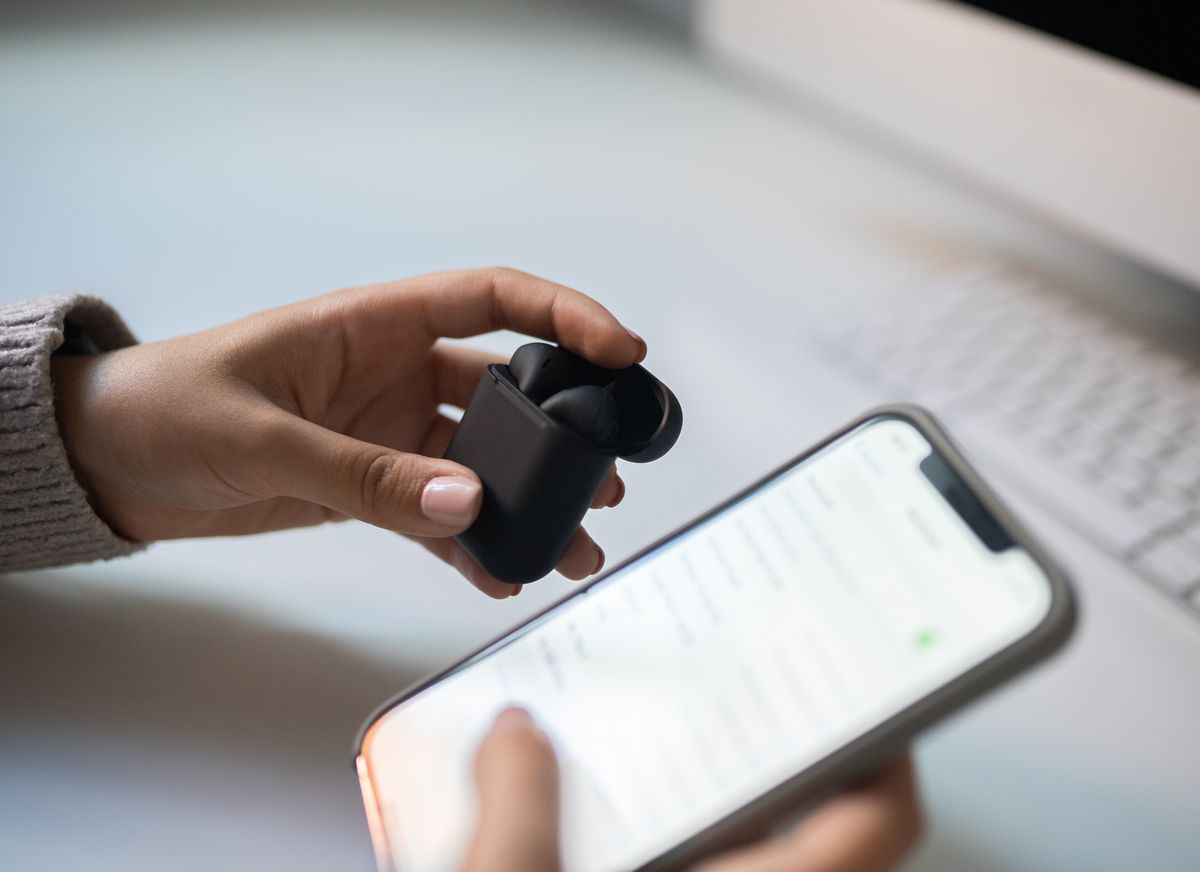
Keep work audio and a personal phone manageable by checking true simultaneous connections, call priority, app requirements, and the exact handover behavior.
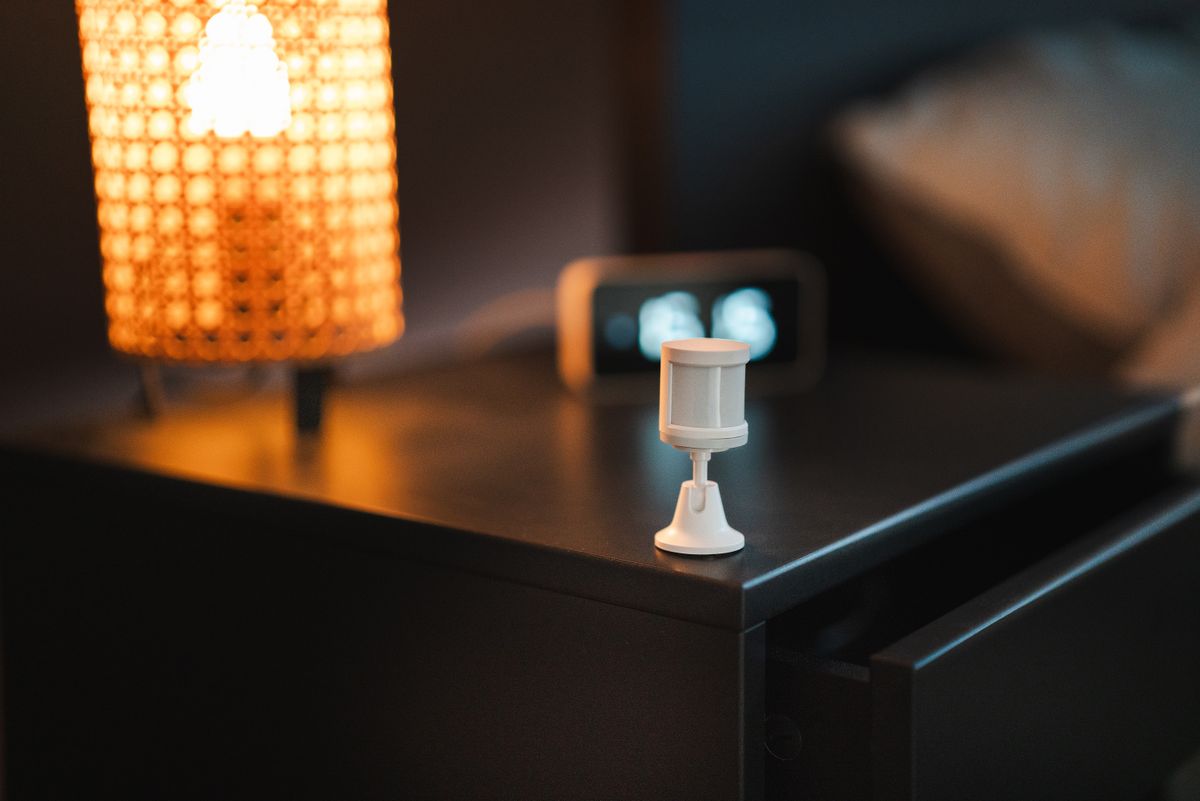
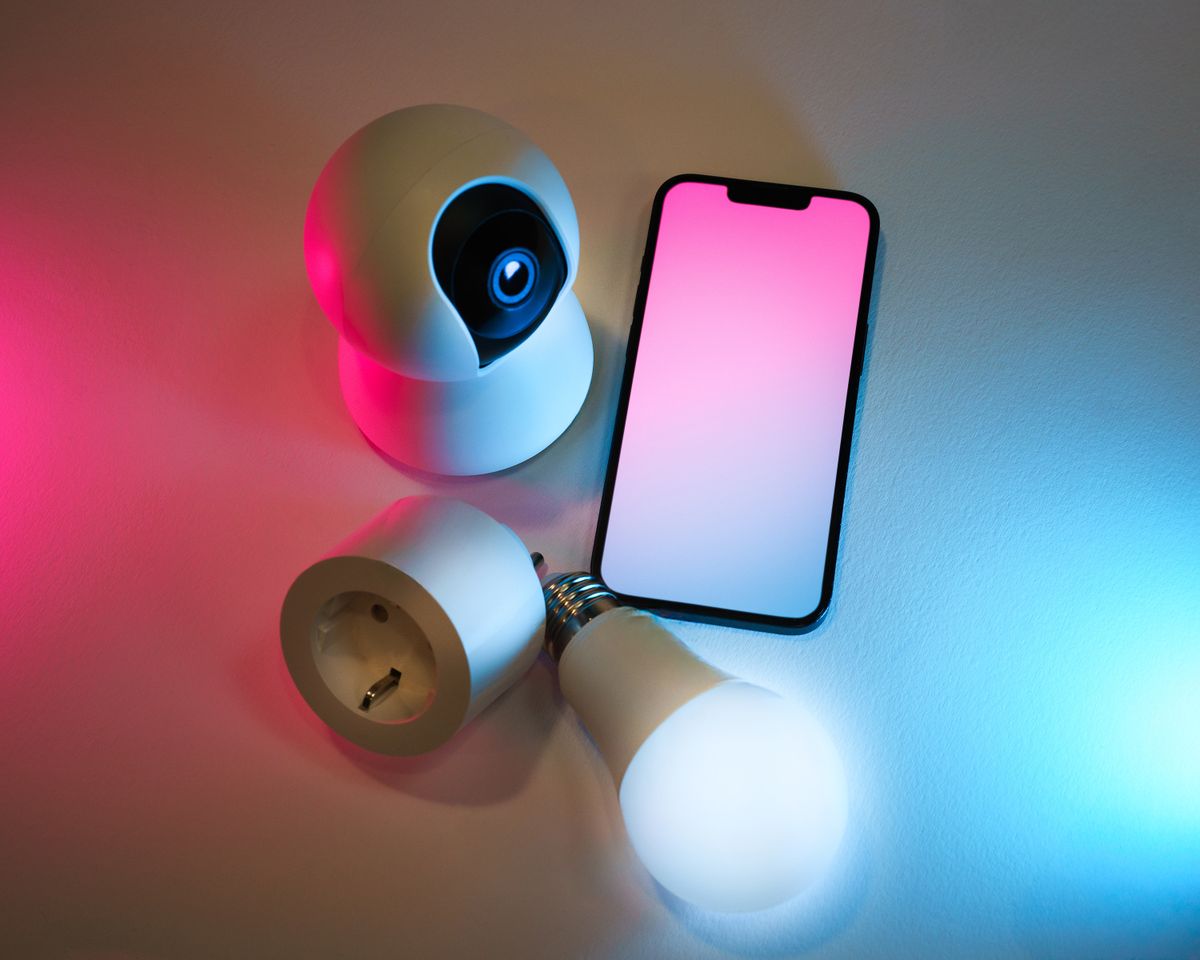
Build a practical leak-alert setup around cabinet space, hub requirements and the person who can respond when a notification arrives.
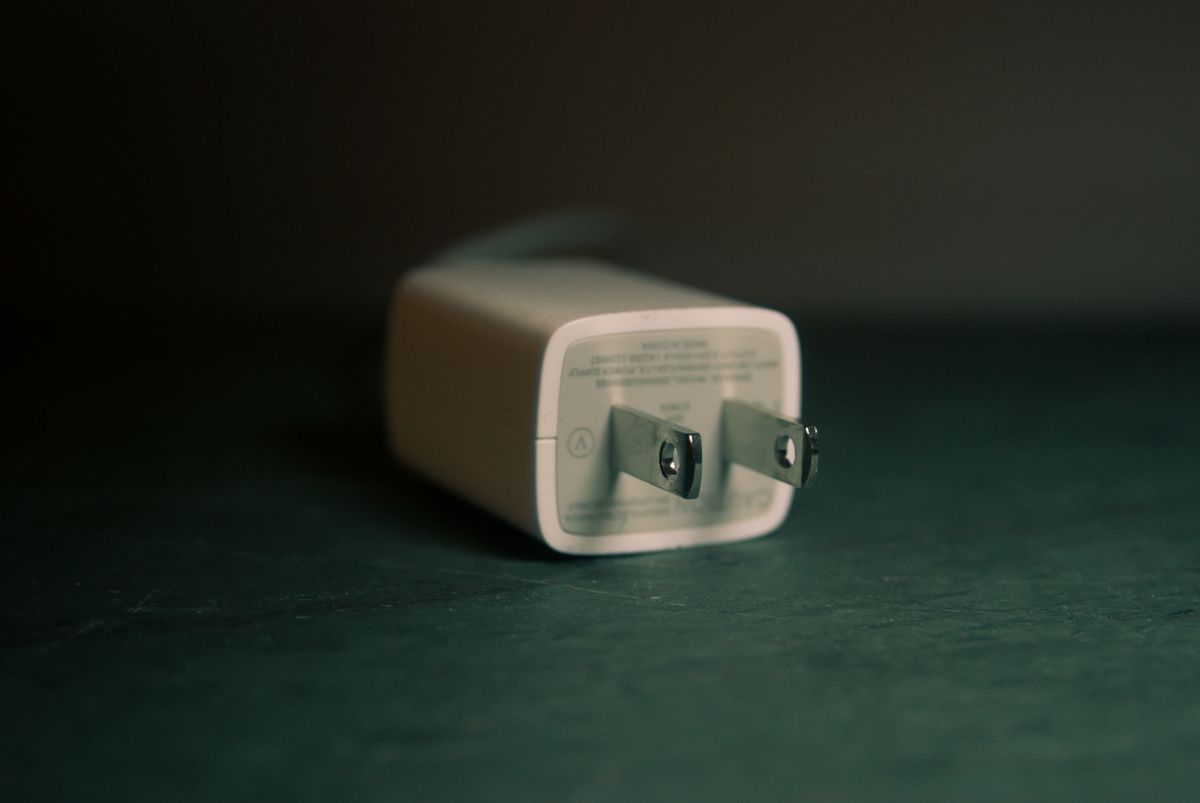
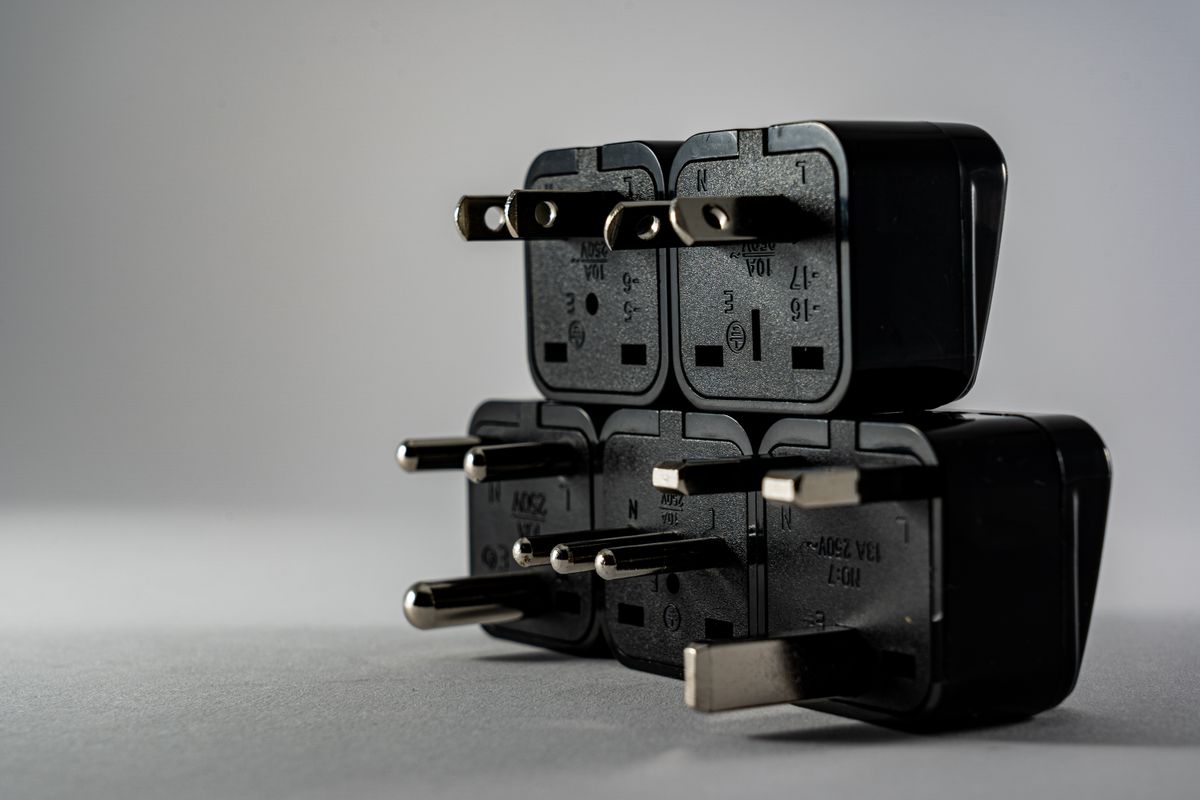
Read charger input labels, separate plug shape from voltage and choose an international charging setup that matches the equipment you actually pack.
Keep the navigation phone ready without filling the console with cables. Shop for per-port output, compatible charging, socket fit, and a sensible passenger setup.
A battery backup and a surge protector serve different needs. Compare runtime, connected equipment, shutdown support, and ownership costs for a home desk.
Keep useful wired headphones in service by checking digital-audio compatibility, microphone support, pocket fit, and whether a larger DAC solves a real limitation.
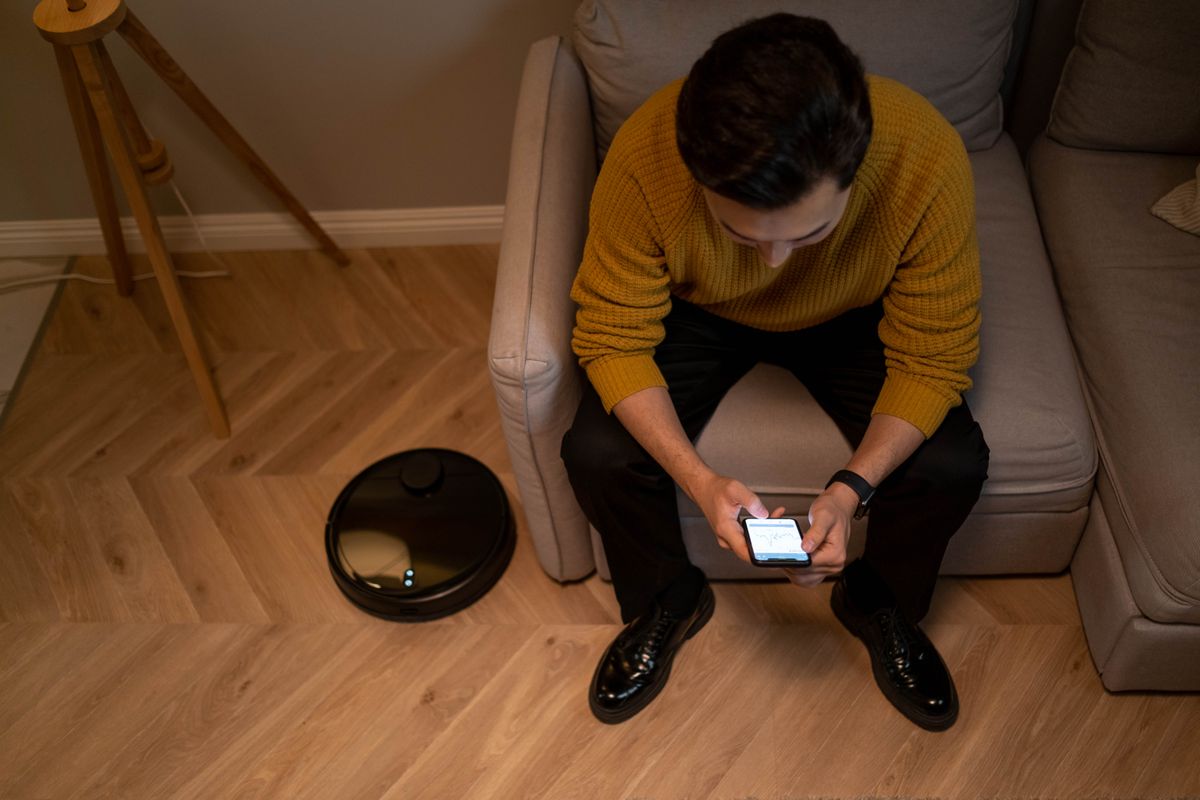
Choose robot cleaning equipment around chair legs, charging cables and dock space, with a realistic plan for the maintenance it leaves behind.
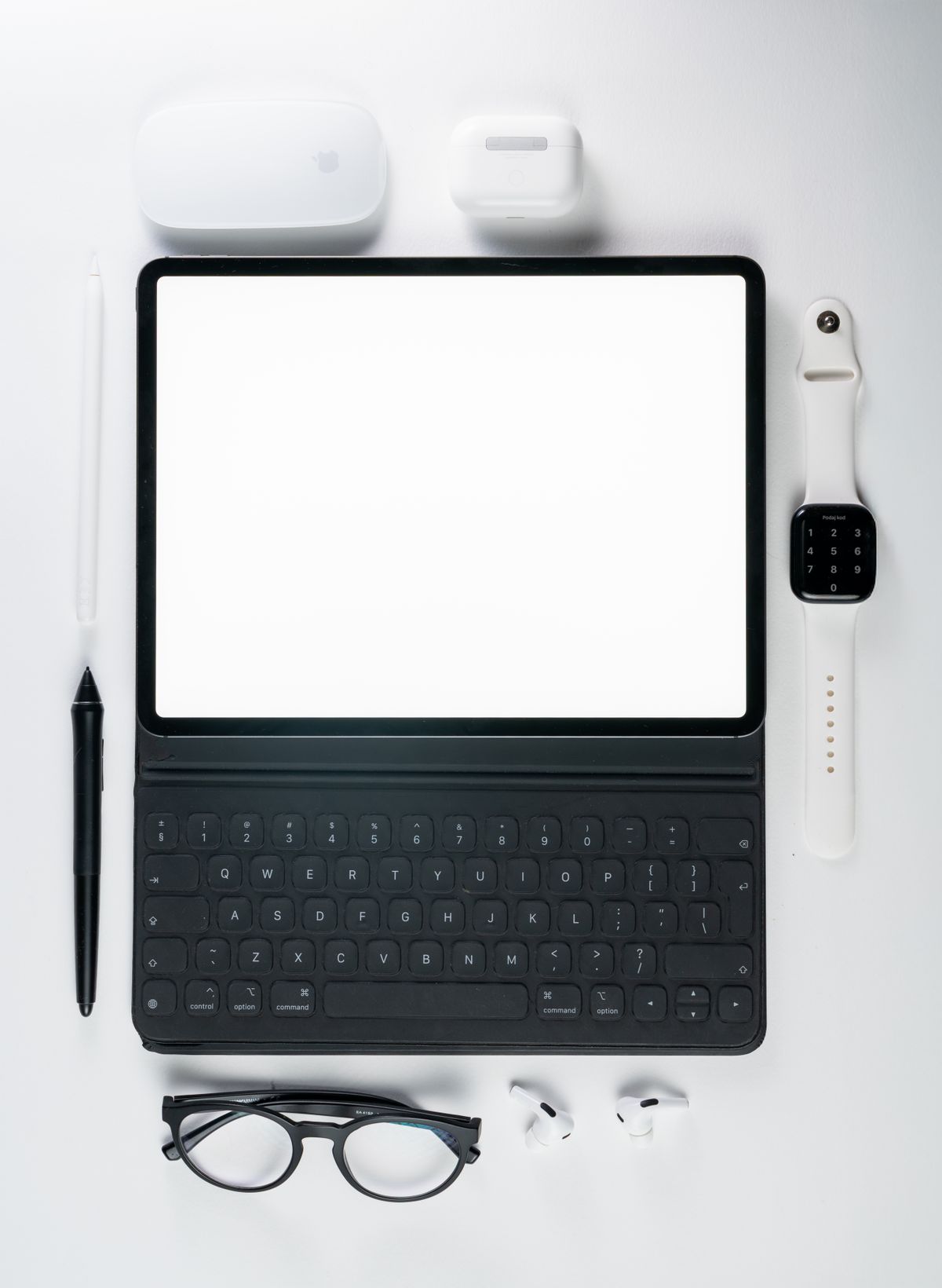
Compare a separate Bluetooth keyboard with a fitted tablet case by checking typing space, app shortcuts and the surfaces where you will actually work.
A protector should fit the case and keep everyday touch and unlocking convenient. Compare glass, film, installation tools, display finish, and replacement value.
Plan laptop RAM around overlapping calls, browser tabs, documents, and photo work, then check whether your chosen configuration can ever be upgraded.
Separate charging problems from an aging battery, compare official service with replacement, and shop for the ownership details that matter after the first year.
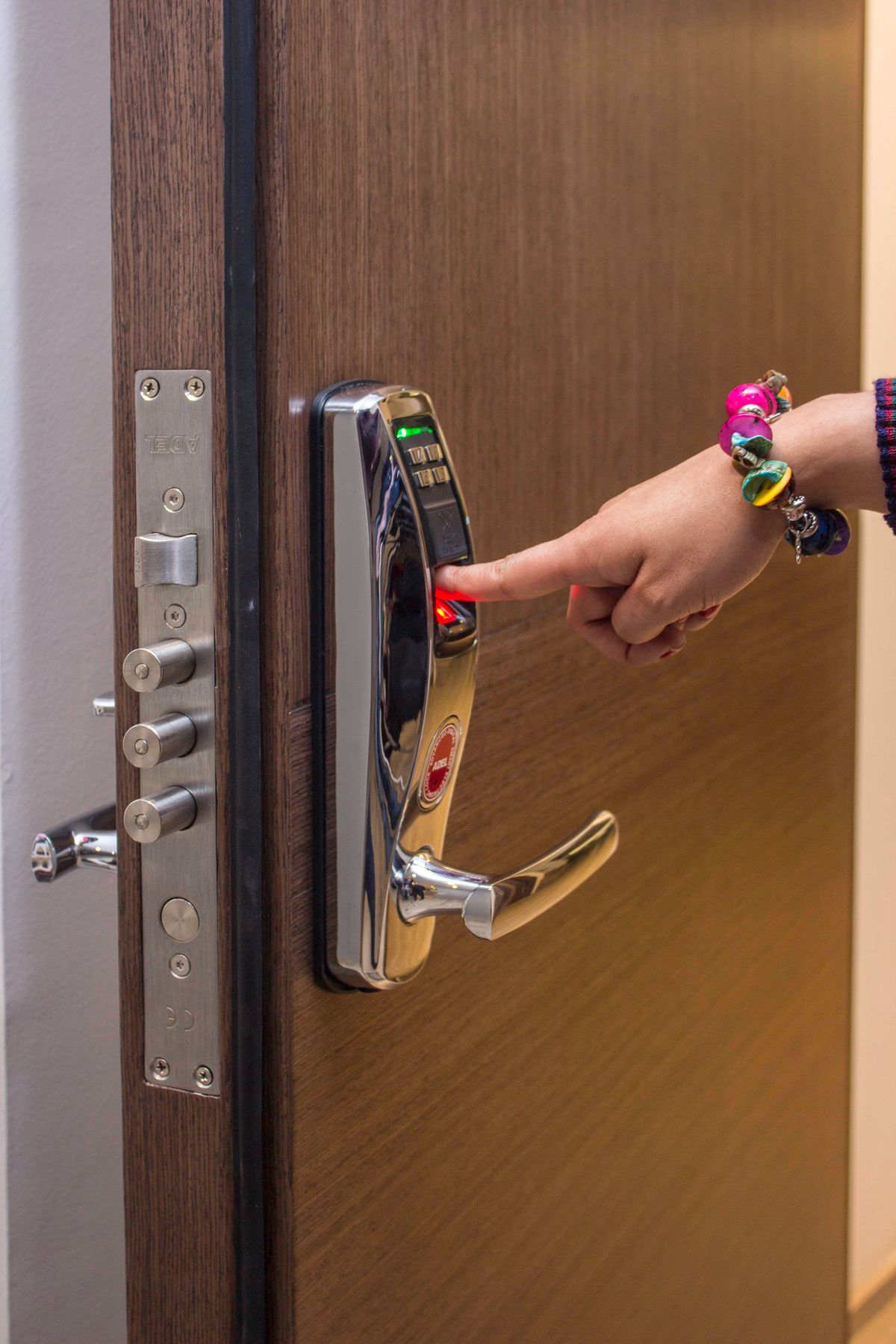
Check door hardware, remote-access requirements and guest permissions before paying for a lock that adds more app management than your household needs.
Decide whether a separate hotspot earns its place by comparing tethering allowances, regional compatibility and how your travel group shares a connection.
Keep family calls and desk conversations comfortably in view. Choose a stand by camera angle, case fit, charging access, and how much space it occupies.

A shared household computer needs a fair place to live, separate accounts, comfortable controls, and a schedule before it needs the fastest processor.
Choose a portable speaker around stable placement, cleaning instructions, dry charging, and the exact limits behind its dust and water-resistance rating.
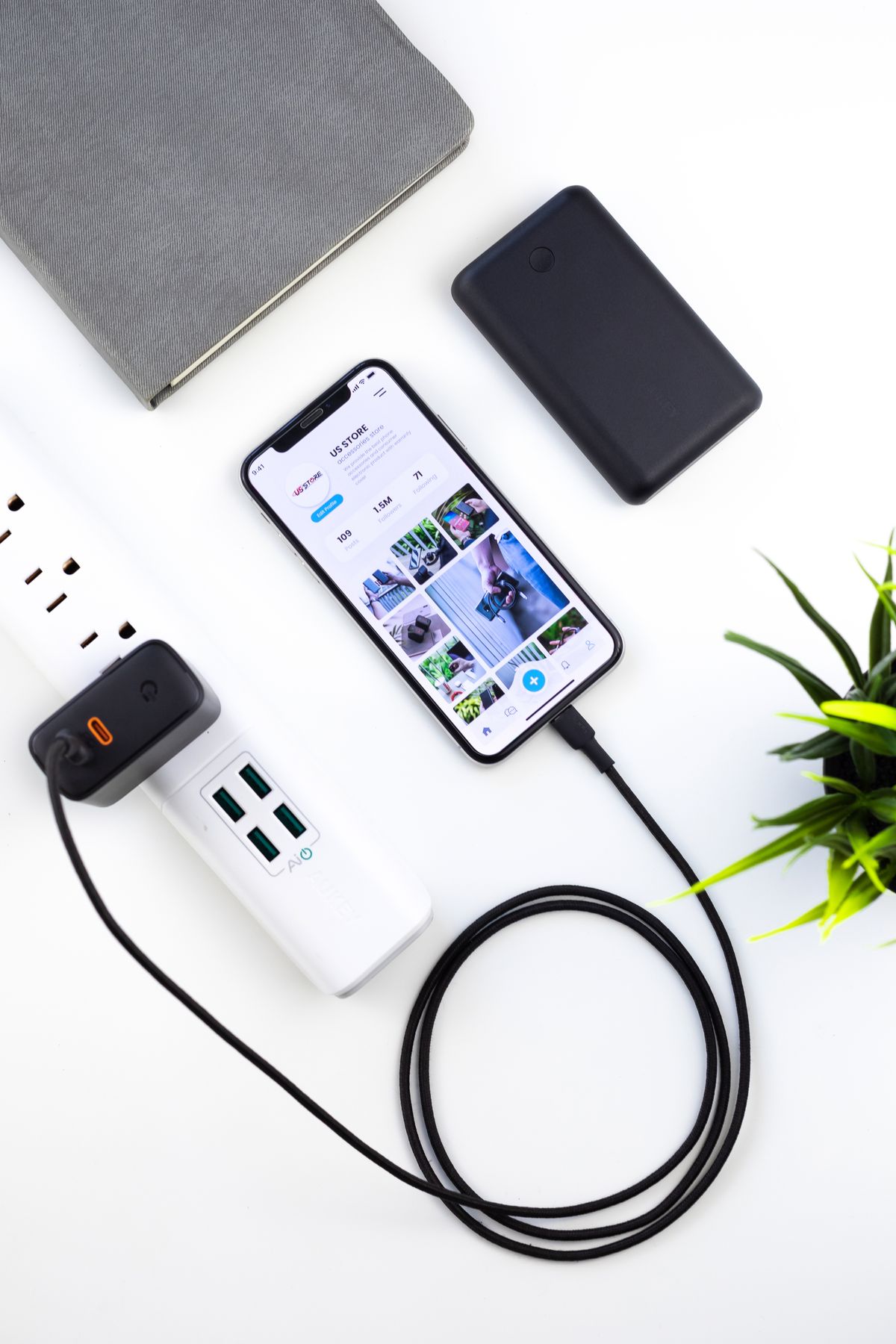
A practical guide to a family charging station: choose useful ports, understand shared power, and keep phones, tablets, and a work laptop ready.
From a crowded train to an afternoon of video calls, hybrid work rewards the right keyboard, ports, portability, and software fit more than a flashy badge.
Choose commuter audio around your actual journey: crowded trains, walking breaks, office calls, pocket space, and the fit you can comfortably wear every day.
Choose between a single router and mesh Wi-Fi by mapping dead zones, router placement, wired backhaul, home-office calls, and the internet plan you already pay for.
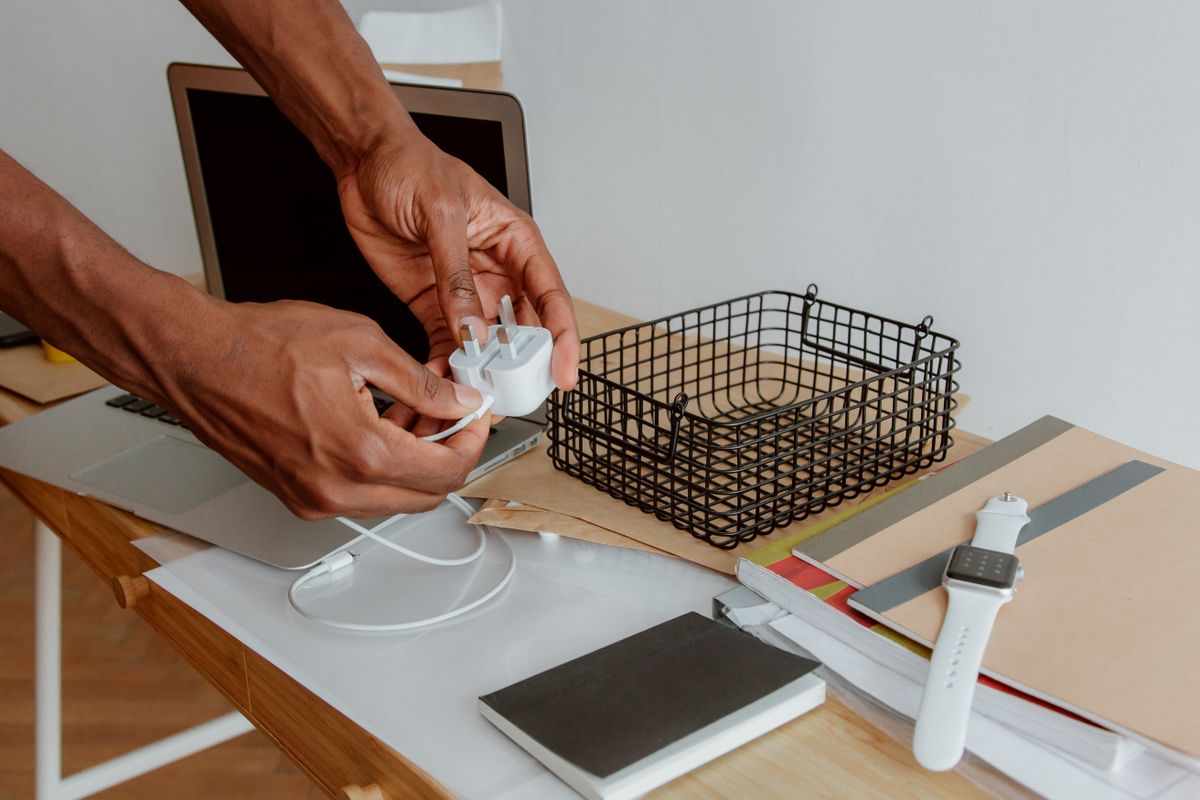
Choose a compact charger, useful cable lengths and the right plug adapter for hotel rooms, train journeys and working away without packing every accessory.
The cable that charges your phone may not suit a large photo transfer. Learn how to shop for power, data speed, length, and everyday convenience.
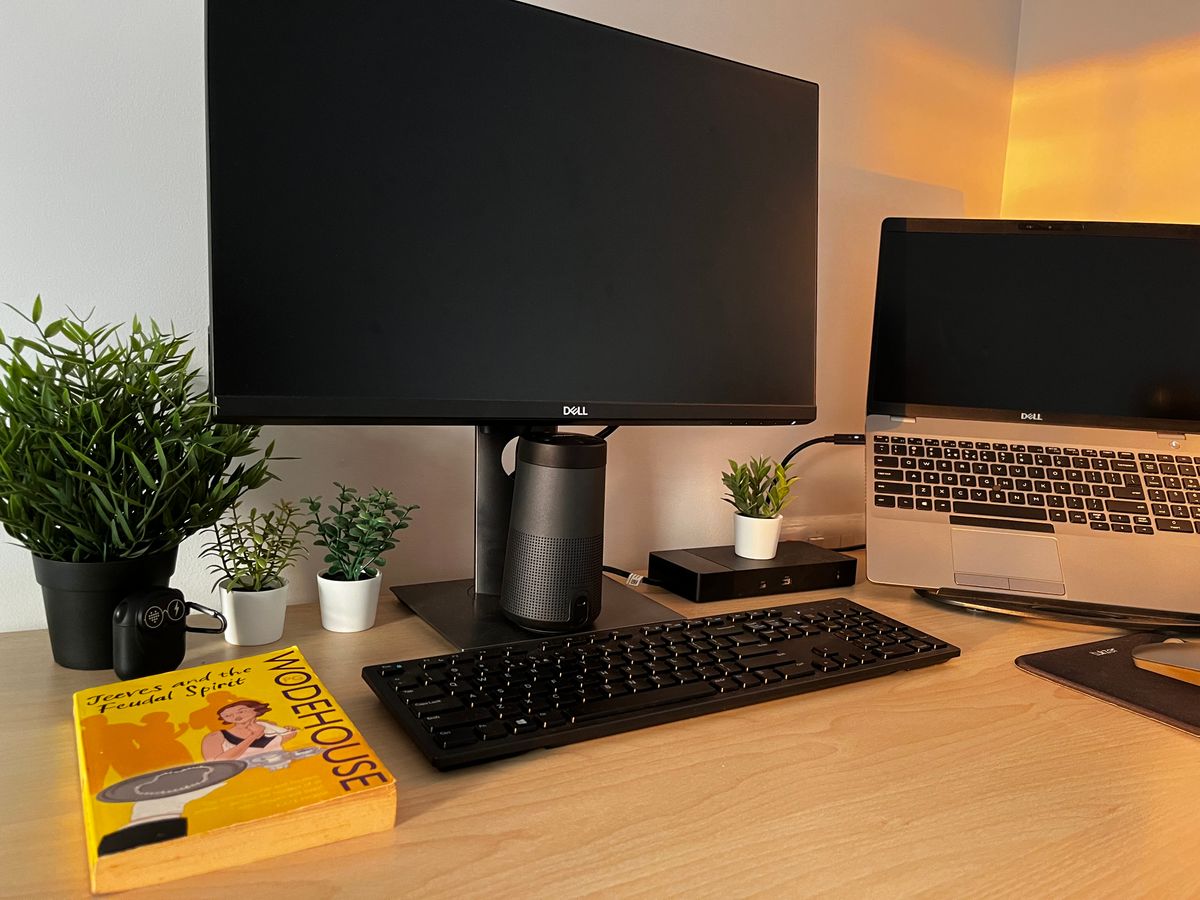
A larger screen only helps if it fits the desk. Compare physical dimensions, text scaling, stand depth, and laptop connections before choosing a monitor.
Match running headphones to park loops, treadmill sessions, glasses, sweat, and storage, with a practical look at open-ear awareness and in-ear isolation.
Start a useful smart-plug setup with a lamp and a realistic routine, then check appliance behavior, outlet fit, electrical ratings, and platform compatibility.
Plan a flight-ready power bank around watt-hours, your airline's rules and easy cabin access, then choose the capacity and connections your actual journey needs.
Family videos, school apps, and offline entertainment soon add up. Use your current phone to choose a storage tier that fits the next few years.
A travel hub and a powered desk dock solve different problems. Count your actual connections and check displays, charging, and compatibility before buying.
Plan a compact listening setup around your shelves, neighbors, kitchen routine, and music services before buying a bigger speaker or adding a subwoofer.
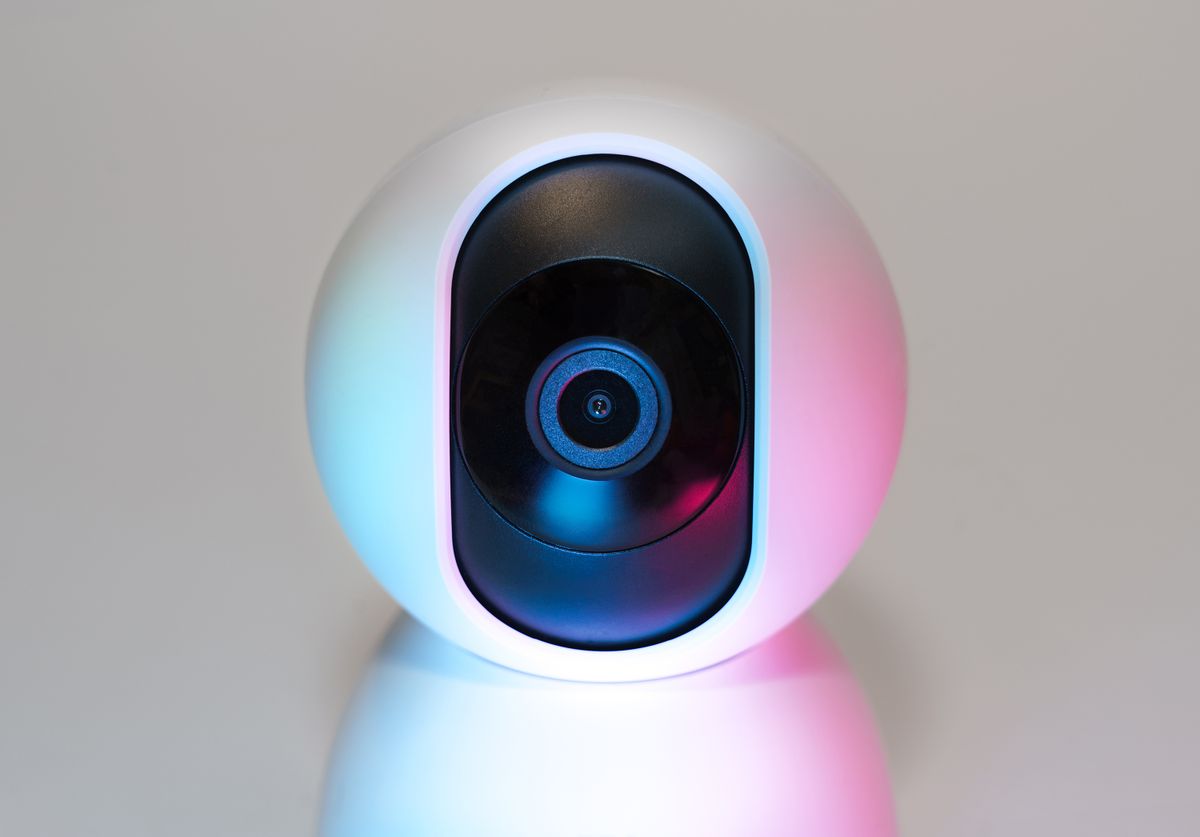
Plan a video doorbell around permission, mounting, charging, hallway privacy, Wi-Fi, and recording costs before choosing a camera for a rented home.
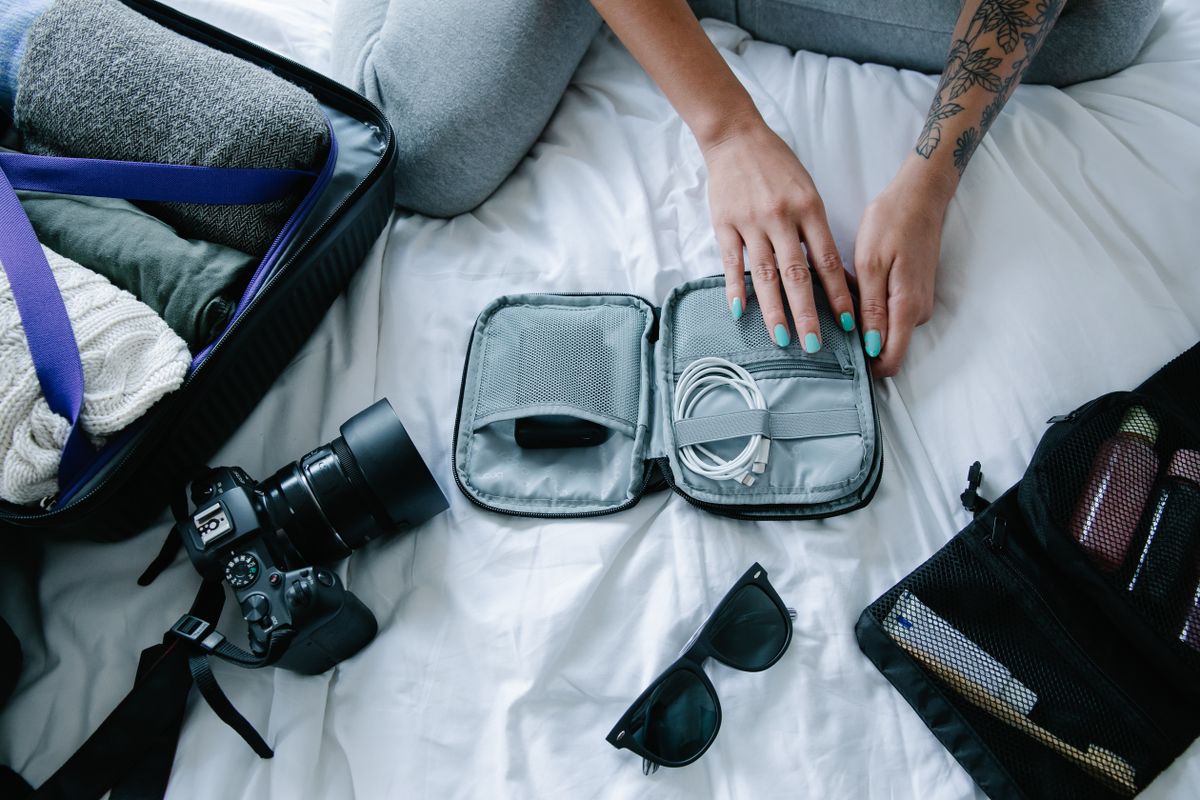
Find a tech pouch that holds your actual charger and cables, opens comfortably on a small desk and makes it easier to notice missing gear before checking out.
Choose a phone case around real routines: wet hands in the kitchen, crowded bags, car mounts, wireless charging, and the pocket you use every day.
Capacity, connection speed, file-system compatibility, and a workable backup habit matter more than an external drive's largest advertised speed figure.
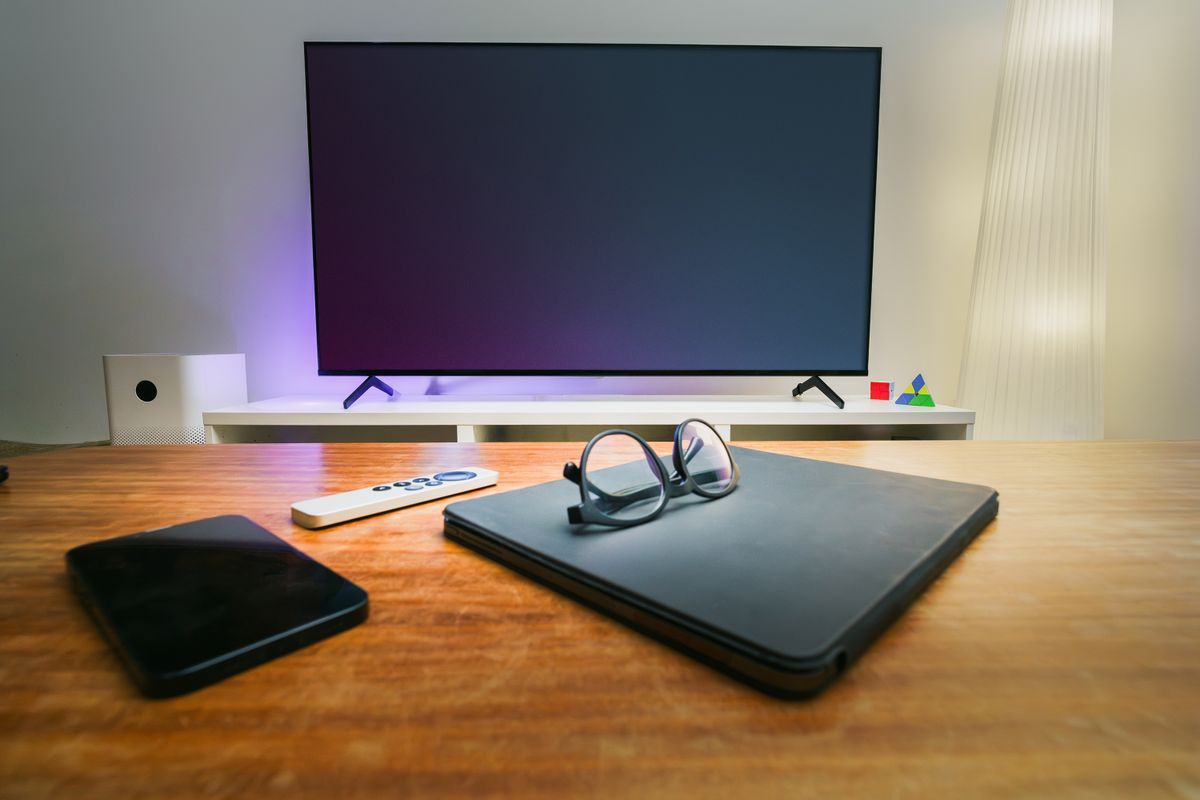
Compare soundbars and stereo speakers through everyday TV habits, remote controls, dialogue, furniture space, and the connections on the television you own.
Compare local and cloud camera storage by asking how you will review clips, export footage, handle outages, maintain cards, and budget for subscriptions.
Choose a luggage tracker by phone compatibility, finding features and responsible sharing, with realistic expectations for airport updates and borrowed bags.
A good bedside charger fits the room as well as the phone. Compare stands, pads, lights, case compatibility, and the power adapter in the box.
When two people share calls and desk space, keyboard noise becomes a daily purchase decision. Compare layout, typing feel, connection, and room setup.
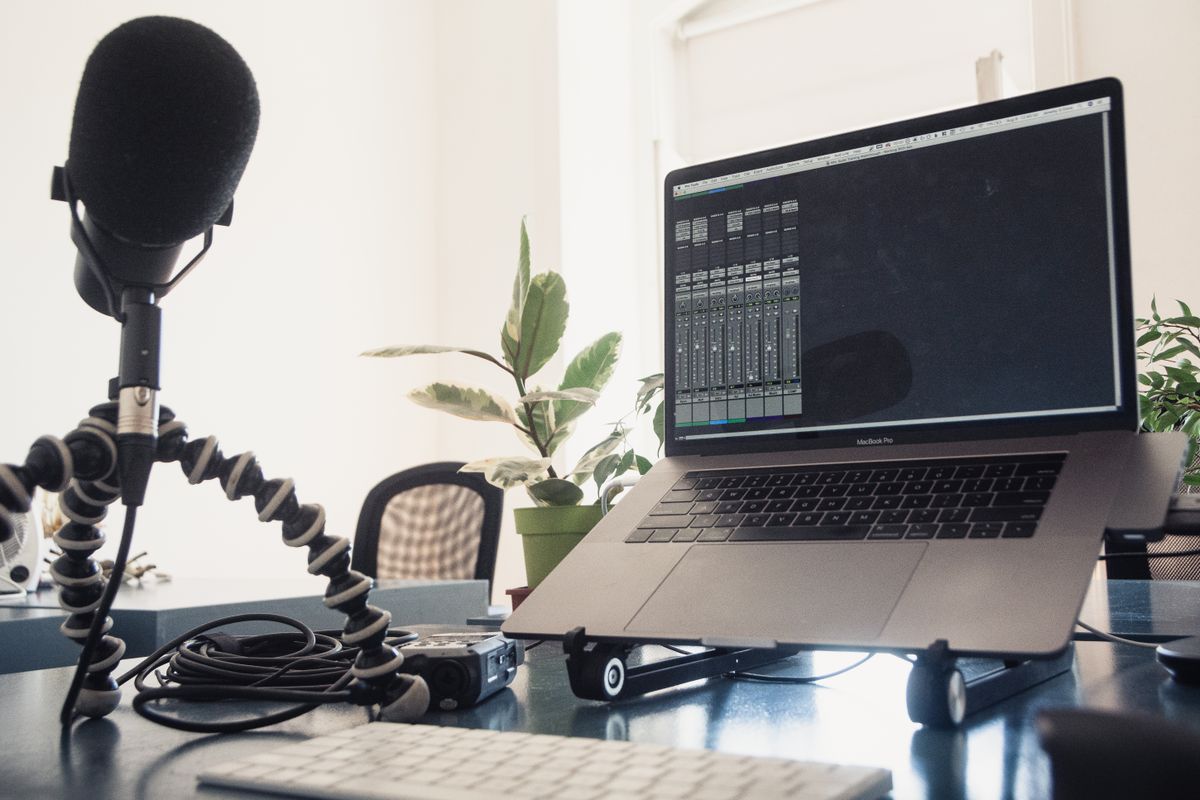
Find out whether a USB microphone will improve your workday by checking desk placement, meeting software, mute controls, room noise, and headset alternatives.
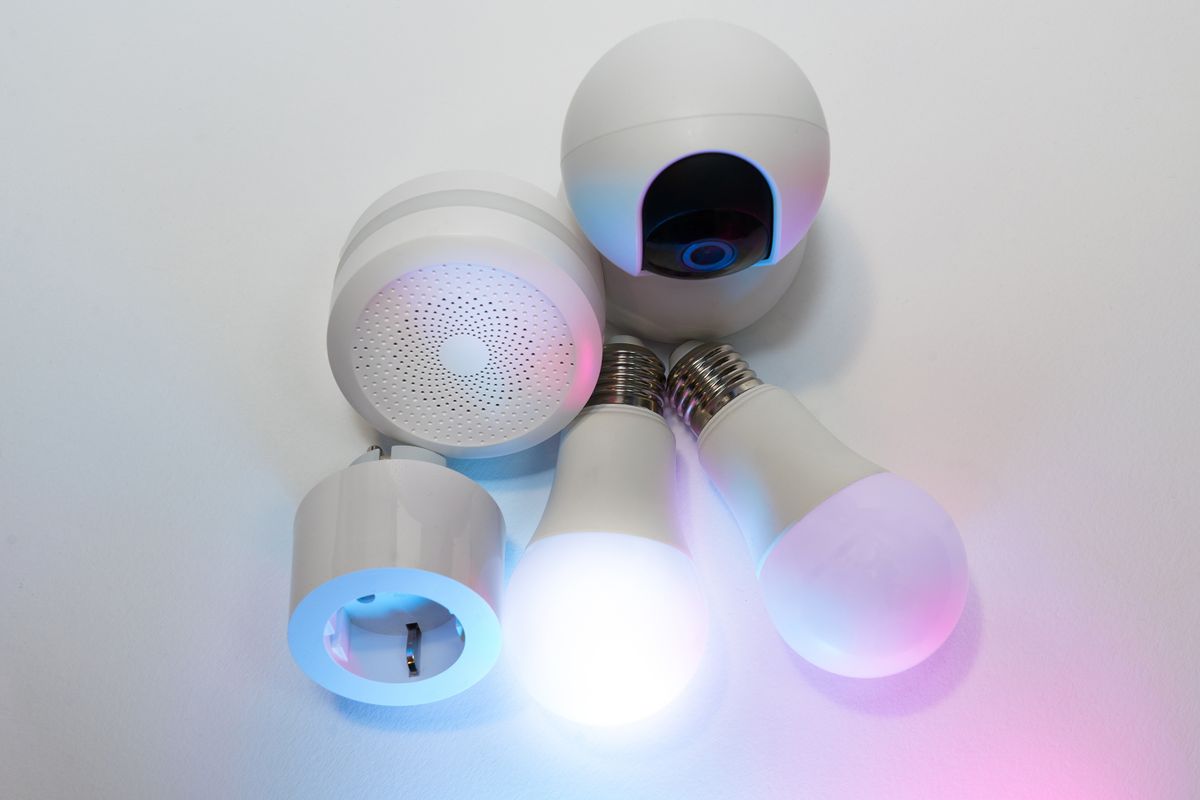
Choose connected lighting around the people using the room, color and dimming needs, rental restrictions, existing fixtures, and the familiar wall switch.
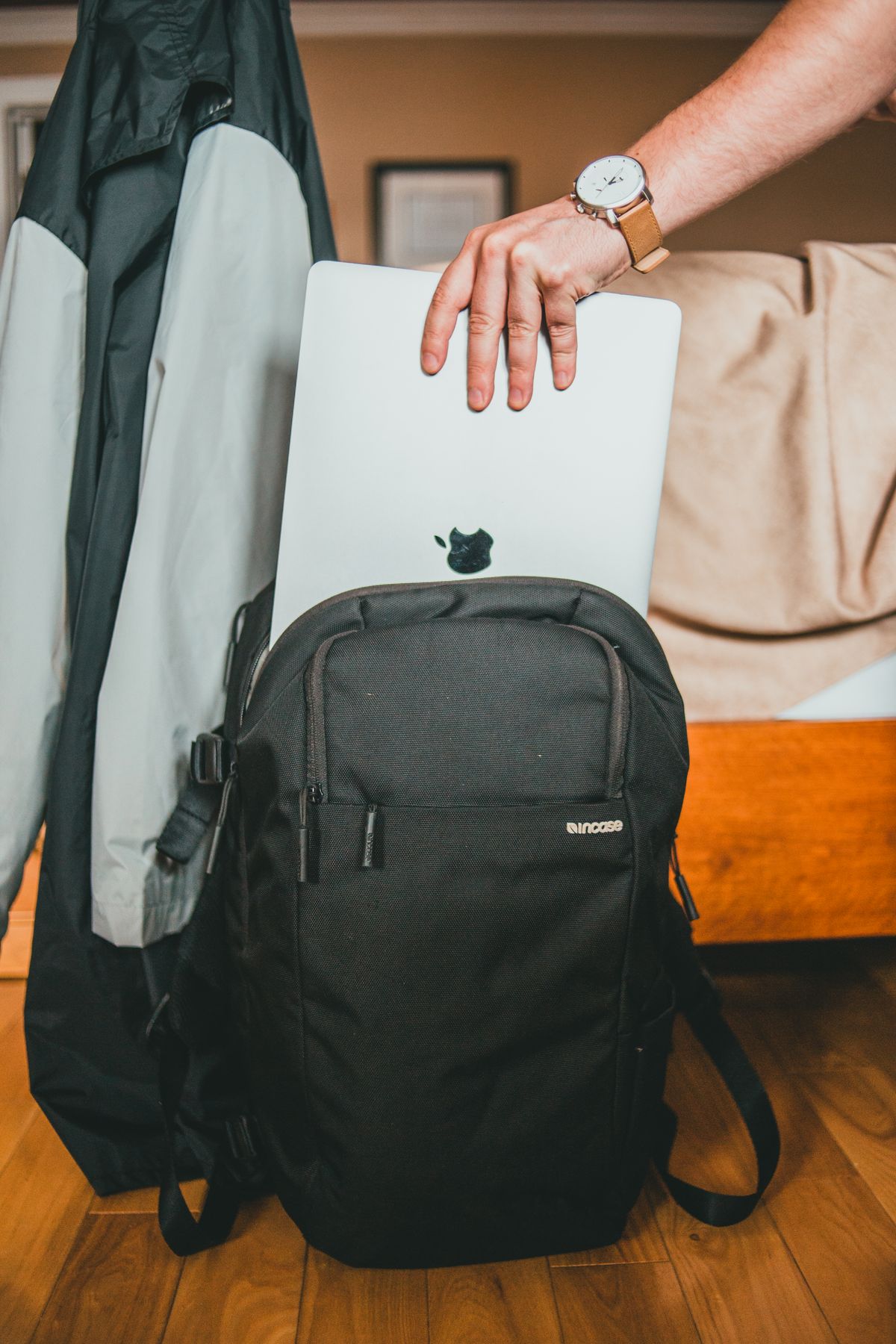
Match a laptop backpack to train platforms, office desks and rainy walks by checking device fit, loaded comfort and access before choosing extra capacity.
Protect everyday photos and family videos with a manageable combination of automatic uploads, independent copies, and an occasional restore check.
A laptop mouse should suit your hand, available surface, and travel routine. Compare vertical, compact, and standard designs without buying on claims alone.
Build a sensible wired gaming audio setup around your room, console or PC ports, microphone needs, comfort, and cables instead of unsupported advantage claims.
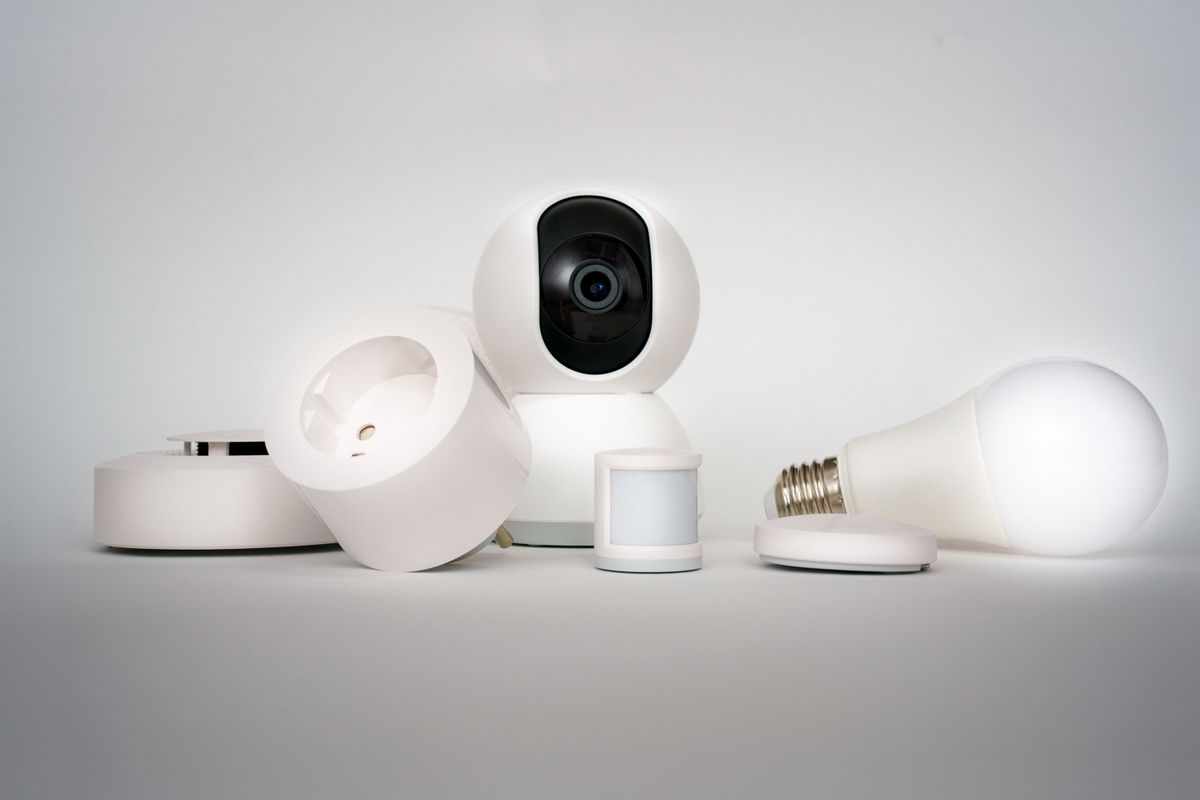
Understand Matter, Thread, controllers, border routers, and app features so the next smart-home purchase fits your existing equipment and everyday routines.
Choose between an e-reader and tablet for novels, illustrated guides, evening films and quiet afternoons, with attention to content access before departure.
A refurbished phone can be a practical upgrade when condition, battery policy, account locks, network compatibility, and return terms are clear.
School forms, returns, and the occasional document need a different printer from a busy office. Compare useful features, supplies, space, and ownership cost.
Decide whether a separate streaming player solves a real problem with your TV, including missing apps, slow navigation, remote habits, subscriptions, and ports.
Use a simple home-office troubleshooting routine to separate weak coverage, device settings, background uploads, and provider problems before spending on Wi-Fi.
Decide whether a second travel screen earns its place by checking laptop video support, hotel desk space and the full monitor, stand and cable package.
Bills, school forms, travel bookings, and occasional spreadsheets need different tools. Choose a tablet or laptop around the tasks that slow you down.
A useful video-call setup starts with placement, lighting, and reliable access. Decide when a lamp, laptop stand, or external webcam is the worthwhile upgrade.
Choose travel headphones around long wear, charging, seat-back connections, bag space, and quick conversations rather than noise-canceling claims in isolation.
Compare a password manager and a home notebook around unique passwords, shared accounts, recovery, device changes, and the habits your household will maintain.
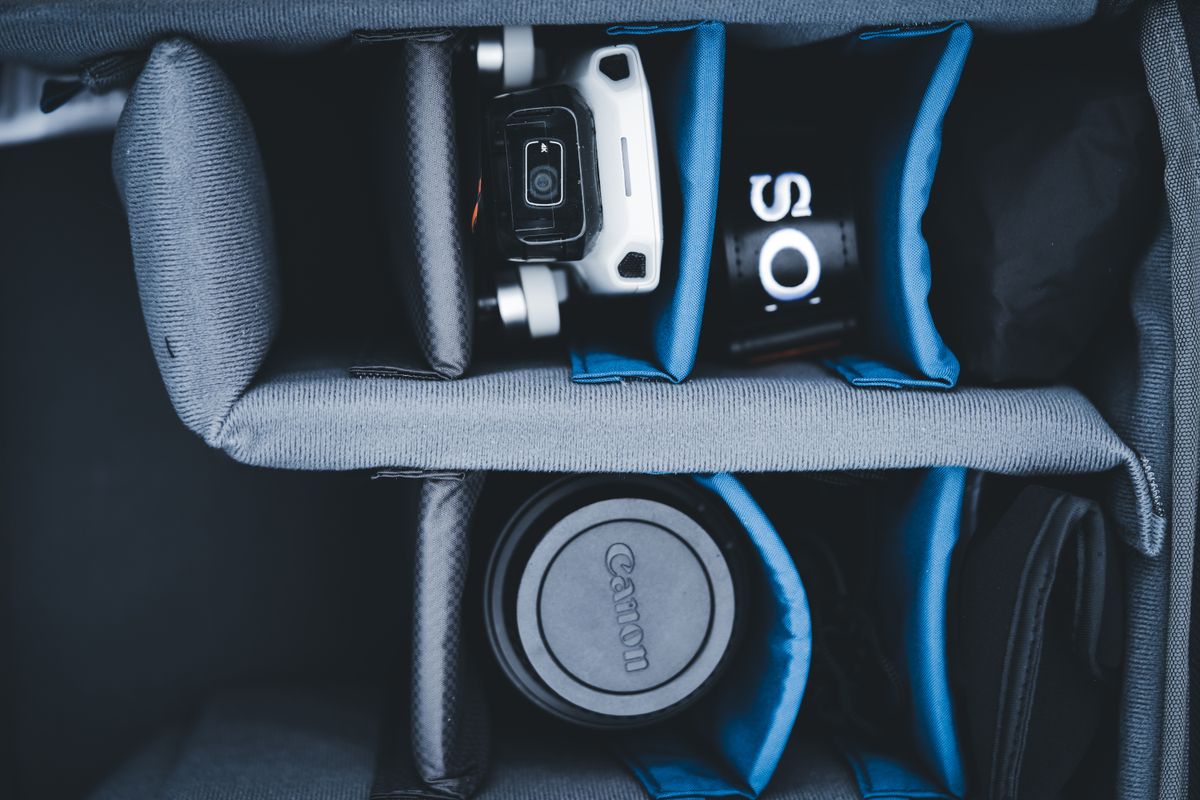
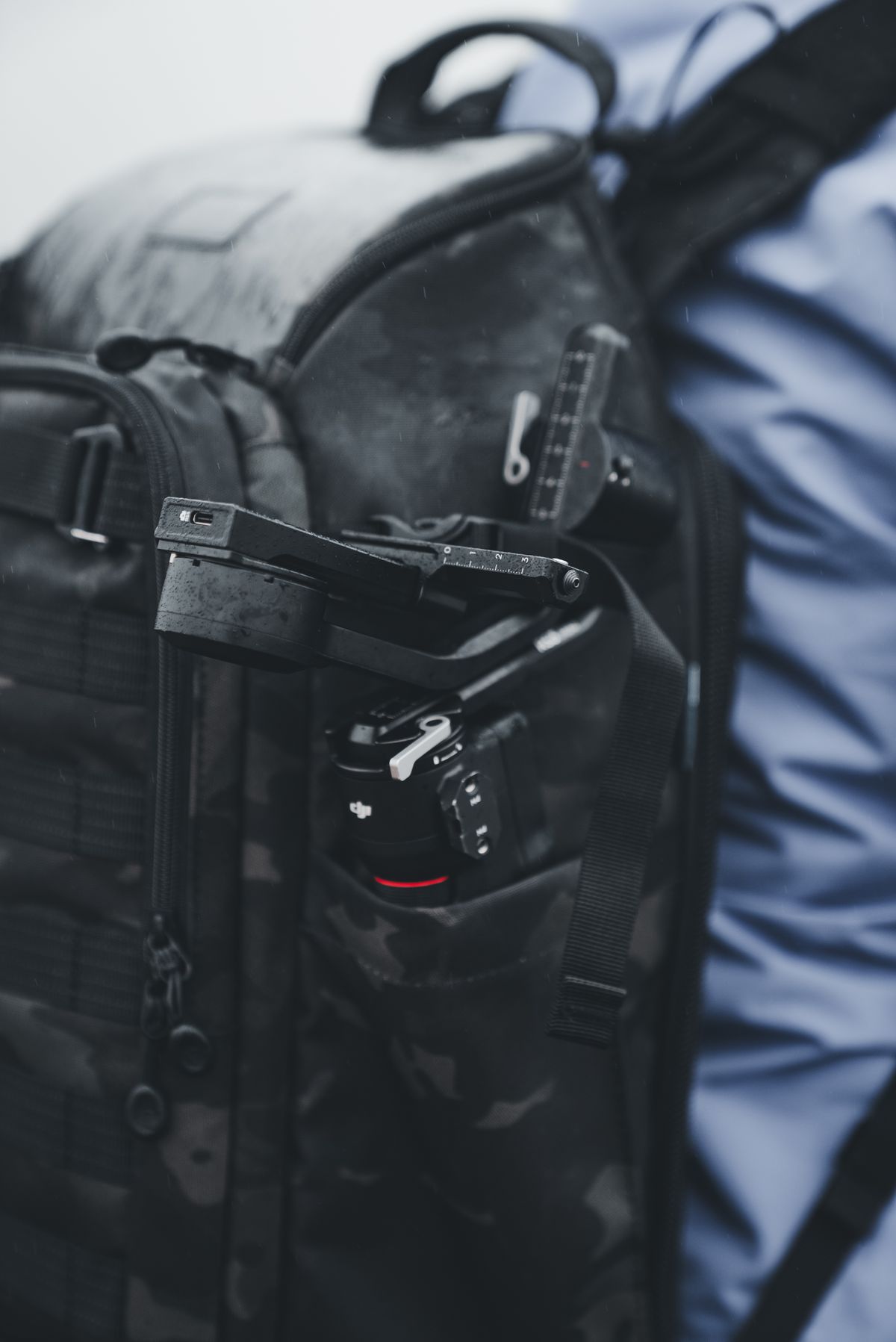
Choose travel camera gear around the moments you want to record, from café portraits to cycling routes, and include mounts, spare power and editing time.
No guides match that search. Try a broader term or choose another category.