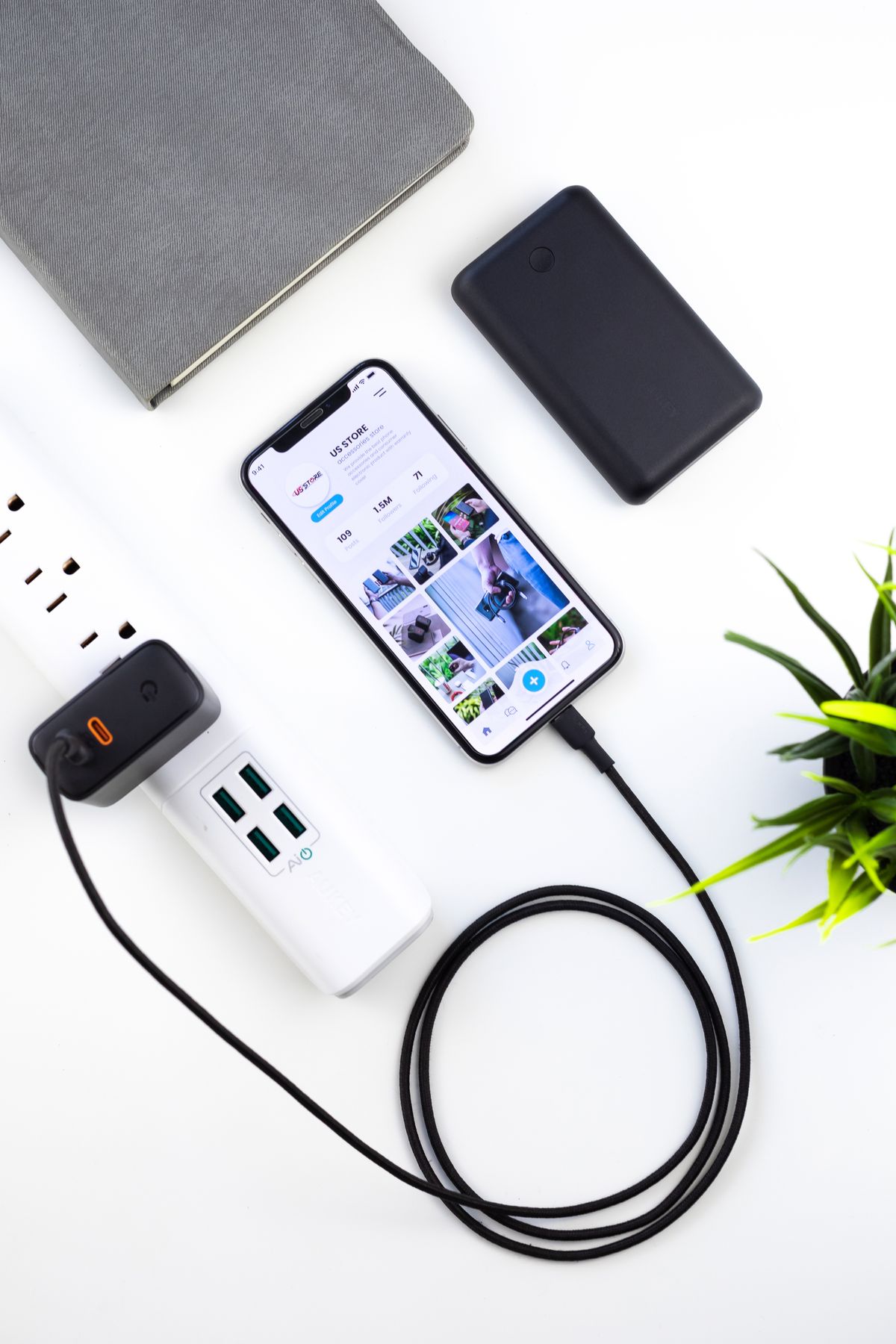
Keep the navigation phone ready without filling the console with cables. Shop for per-port output, compatible charging, socket fit, and a sensible passenger setup.
Our advice is based on published information and the use cases explained below. Manufacturer links in this guide are ordinary links, not paid placements. How links work.
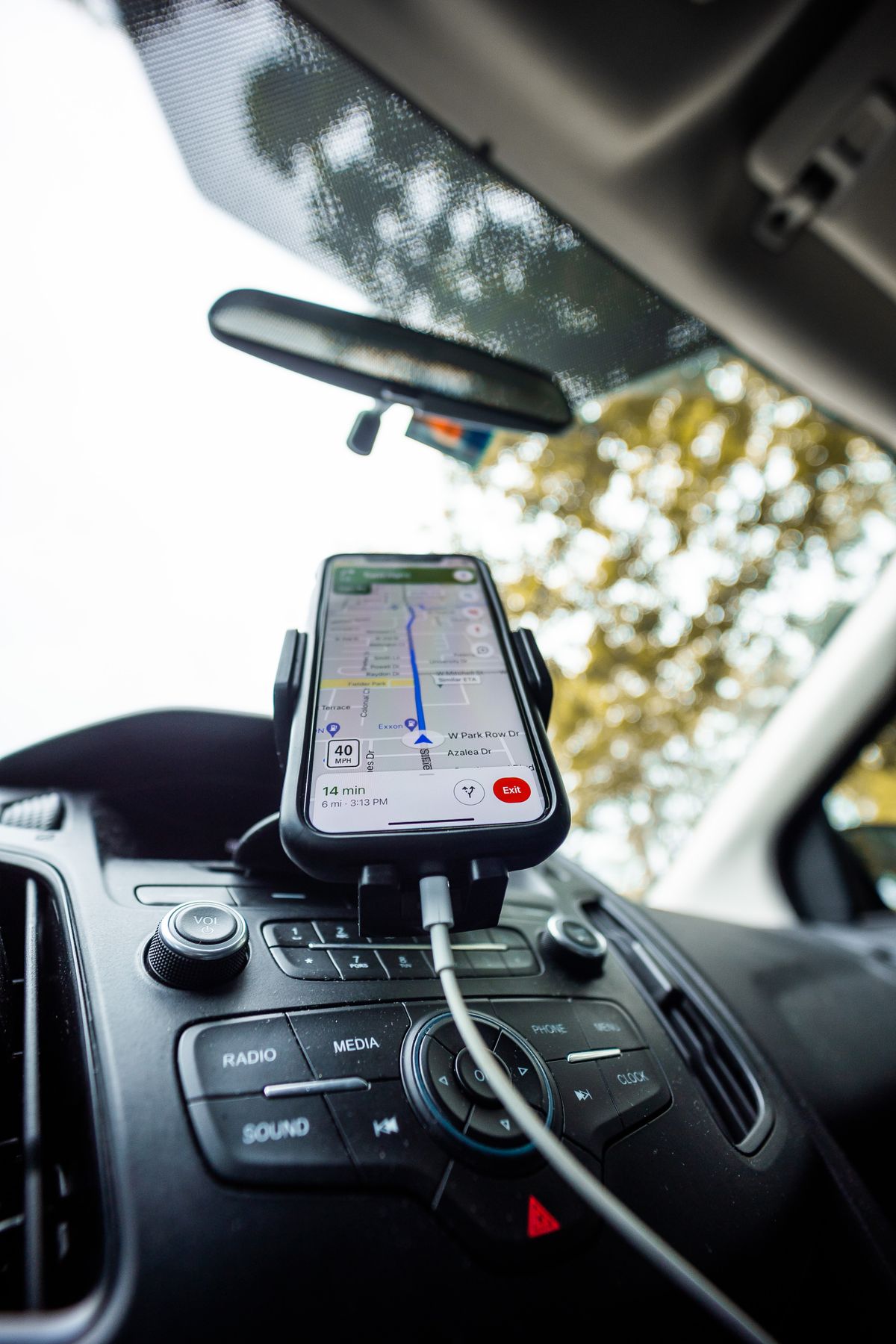
Choose a car charger by the output of the port your navigation phone will actually use, with the passenger's device connected too. Match the phone's charging requirements and the vehicle's socket specification, then buy a cable that reaches without crossing controls. Dual USB-C ports are useful for two modern phones; unusually high combined wattage offers little value unless your devices can use the individual outputs.
Start with the route and the passengers
A phone can leave home comfortably charged and reach the afternoon school pickup looking less ready for the evening. Navigation, music, and repeated short trips create a different routine from an overnight charge. Write down how long the phone normally stays connected and whether a passenger regularly asks for a cable. The goal is a convenient charging arrangement during your actual journey, rather than the largest wattage printed on a small adapter.
First check what the vehicle already provides. A built-in USB port might cover your normal use, while another port may be required for wired phone integration. If the existing connection handles both navigation and adequate charging, another adapter may add little. If power is the problem, compare the car's manual and phone requirements before assuming every socket or USB connection can perform the same job.
Compare the individual ports
A two-port charger's combined output can conceal a modest allowance for each phone. Belkin's Dual USB-C Car Charger 36W explicitly describes two dedicated 18W USB-C outputs. That is a useful example of clear per-port information, rather than a reason to assume every 36W charger distributes power identically. Read the exact product's output details and check whether connecting a second device changes the first port's available power.
Match charging protocols to the exact phones involved. A USB-C connector alone does not establish the best supported charging mode for a particular handset. A model offering USB Power Delivery and one offering an additional protocol are not automatically equivalent for your equipment. Use the phone maker's documentation as the starting point, and avoid paying for laptop-oriented output if the charger will only serve two ordinary phones.
Make the socket and cable arrangement usable
Measure the available space around the vehicle's accessory socket. A wide adapter can obstruct a storage lid, sit awkwardly beside a gear selector, or make a second socket difficult to use. Verify the charger input against the vehicle manual, including any socket limitations. A flush design looks tidy but should still be easy to remove when necessary; a prominent illuminated ring may be more noticeable than you want during evening journeys.
Choose cable length by tracing the actual route from the socket to the phone mount. Leave enough slack for normal handling while parked, without creating a loop across the gear selector or other controls. A short lead can be tidy when the mount is nearby and unusable when the outlet sits inside an armrest. Check connector clearance with the phone case fitted, especially where a mounting cradle surrounds the lower edge.
Keep heat separate from charger wattage
A more powerful adapter is not a solution to a phone that becomes too warm in the sun. Apple's temperature guidance explains that charging can slow or stop when an iPhone is too hot and describes navigation in hot conditions as a potential source of thermal alerts. Treat those as device operating limits rather than a reason to keep buying increasingly powerful chargers. Follow the phone's on-screen guidance if a temperature warning appears.
Think about where the phone spends the journey. A sunny dashboard may be convenient for viewing but an unfavorable place for a warm device. Arrange the mount and cable before driving and follow local requirements for phone placement. Do not cover the phone with objects to conceal it from the sun while it is operating. A sensible placement decision can matter more than the adapter's headline output.
Separate power from in-car data
A charger connected to an accessory socket supplies power; it does not automatically add wired CarPlay or Android Auto to the vehicle. If your car needs a wired connection for its supported phone interface, that cable usually belongs in the designated data port. Check the vehicle's instructions before replacing that connection with a power-only route and then wondering why the dashboard no longer recognizes the phone.
For shared rides, make the two cable positions obvious. Keep the driver's required connection within reach when parked and put the passenger lead where it does not pull across the console. If one phone still uses Lightning or another connector, budget for the correct cable instead of an awkward chain of adapters. Compare the complete setup cost, including useful cables, rather than judging the charger alone.
Check the commute without chasing a laboratory claim
With the vehicle parked, connect both intended devices and confirm that each indicates charging. Check the physical fit, dashboard integration, and cable route before starting a journey. During ordinary use, observe whether the arrangement meets your needs; a manufacturer's ideal charging-time example may use conditions unlike navigation in your car. Do not handle the phone or charger to investigate behavior while driving. Stop somewhere appropriate before changing the setup.
Choose a simple dual-port model if it comfortably covers two compatible phones. Pay more for a specific additional protocol, output, or shape only when it solves a documented requirement. Retain the packaging until you have checked the arrangement in your vehicle, and keep the product information with the receipt. A useful car charger should become an uncomplicated part of leaving home, with the correct cable already waiting.
Choose for the way you use it
| Driving routine | Look for | Tradeoff |
|---|---|---|
| One phone running navigation | Compatible charging on the intended port | Headline total output may be irrelevant |
| Driver and passenger charging | Documented simultaneous output for both | Another cable to organize |
| Wired dashboard phone interface | Vehicle's designated data connection | Socket charger alone cannot provide integration |
Before you buy
- Read the vehicle's accessory-socket and USB-port instructions.
- Check each port's output with both devices connected.
- Match the charging protocol to the exact phone model.
- Route cables and check phone placement while parked.
Common questions
Will a 100W car charger make every phone charge faster?
No. The individual port, phone, cable, charging protocol, battery state, and temperature all affect charging. Buy the output your devices can use.
Can a car charger add CarPlay to my dashboard?
A power adapter does not provide that functionality. Check whether your car supports the interface and which wired or wireless connection it requires.
Sources & further reading
Official information consulted October 19, 2026. Buying recommendations and use-case judgments are TechPixl editorial analysis.