A laptop mouse should suit your hand, available surface, and travel routine. Compare vertical, compact, and standard designs without buying on claims alone.
Our advice is based on published information and the use cases explained below. Manufacturer links in this guide are ordinary links, not paid placements. How links work.

Choose a mouse you can control comfortably on the surface you actually use, with the right hand orientation and a suitable return period. Vertical designs are worth considering, but fit is personal and the entire desk arrangement matters. A compact travel mouse and a fuller desk mouse can serve different roles. Treat comfort claims as guidance for a shortlist rather than a guaranteed result.
Begin with the place your hand works
A laptop used on a dining table can leave very little room for a mouse, especially when a wide keyboard or notebook occupies the side. Buying a new mouse may help, but the first check is whether you can place it comfortably beside the keyboard. Reaching around a cluttered surface makes it difficult to judge the device itself fairly.
Note how long you use it at a time and whether it travels. A tiny mouse that fits a bag may be convenient for a brief hotel session and less appealing for a full day at home. You do not have to make one accessory serve every situation. A sensible desk setup and a modest travel option can be a practical combination.
Use hand fit to narrow the shapes
Compare the stated dimensions and intended hand orientation before focusing on sensors or programmable buttons. Logitech positions Lift for small to medium hands and offers a left-hand option in relevant variants. That is useful manufacturer guidance for a shortlist, not a promise that the shape will suit every person whose hand fits a broad category.
If possible, hold a candidate and check whether the main buttons and scroll wheel are easy to reach without constantly changing your grip. A vertical design changes how you control the mouse and may feel unfamiliar initially. A conventional shape can still be the better choice for you. Buy with enough return flexibility to evaluate the shape during ordinary work.
Choose travel convenience deliberately
For a bag, check the actual width, height, and weight rather than assuming a short mouse is compact in every direction. A tall vertical design may require a different pouch from a low-profile travel mouse. Think about the spaces where you use it, including train tables and shared desks, and whether the sensor works acceptably on those surfaces.
Power arrangements also deserve attention. A rechargeable mouse means remembering a cable; replaceable batteries mean keeping an appropriate spare. Neither is universally simpler. Check whether the mouse operates while charging if that matters to you, and do not infer this from the presence of a USB port. The product's exact documentation should answer the question.
Treat the workspace as part of the purchase
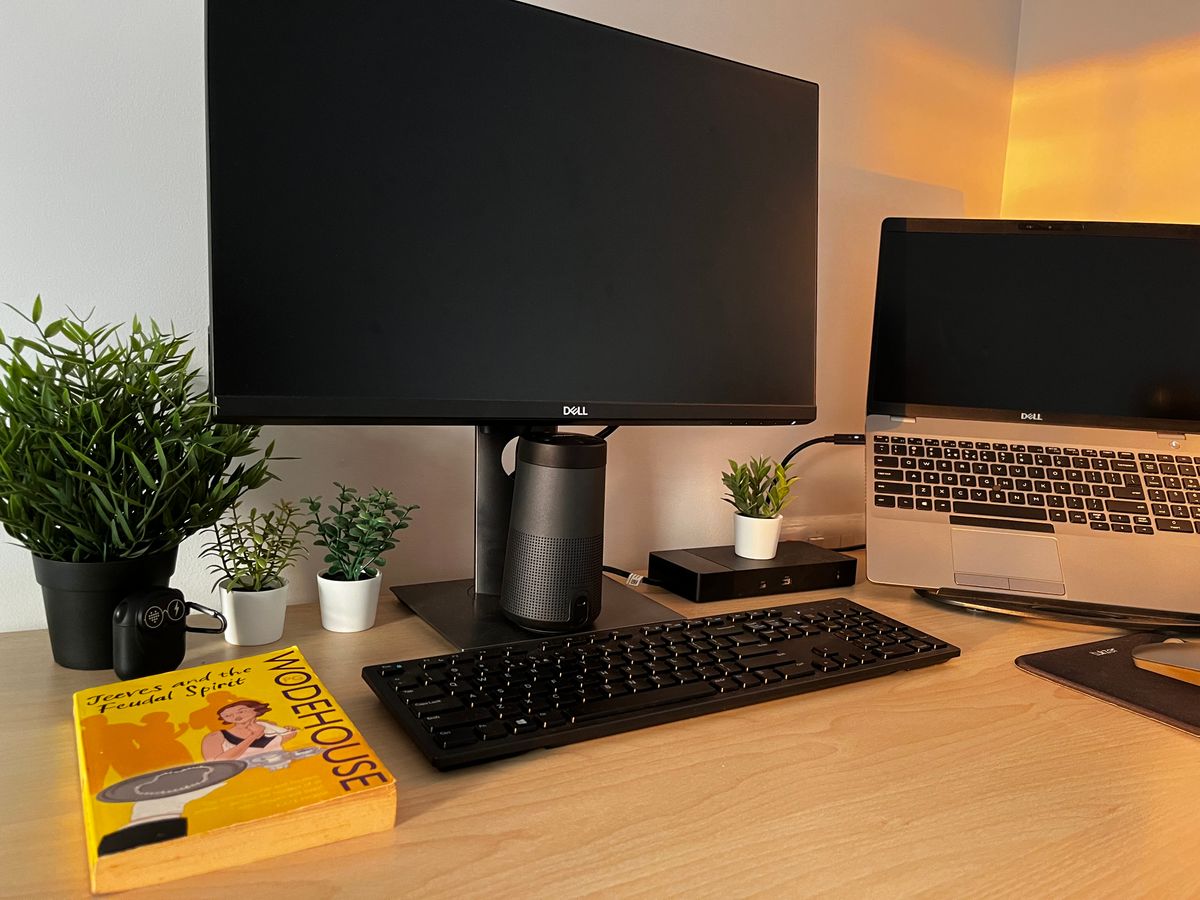
Place the mouse close enough that you are not reaching around the laptop. Consider whether a compact external keyboard would free useful space, or whether moving a notebook would do the same job for free. Adjust the setup so your hand has a stable area to work. Hardware selection becomes clearer after obvious placement problems are addressed.
A comfort-oriented accessory should not be treated as a medical treatment or a guaranteed solution for discomfort. Avoid forcing yourself to use an awkward shape because its marketing promises a better posture. If a persistent problem is affecting you, obtain appropriate individual advice. For shopping purposes, prioritize fit, control, and a setup you can change rather than relying on a dramatic benefit claim.
Check fit with real work, not a few clicks
Use the mouse for a normal mix of scrolling, document work, dragging, and any precise tasks you perform. Check that you can reach buttons without unintended clicks and that the pointer feels manageable at a comfortable setting. Try it on the intended surface. These checks establish suitability for your routine; they do not prove a universal ergonomic benefit.
Keep the packaging until you know the size and shape work. A less expensive mouse you use comfortably is better value than a premium one that stays in a drawer. Explore the manufacturer's hand-size and compatibility information, then choose a candidate with a clearly understood compromise between travel convenience, desk use, and the controls you actually need.
Choose for the way you use it
| Use case | Look for | Tradeoff |
|---|---|---|
| Full days at a fixed desk | Hand fit and comfortable button reach | May be less convenient to carry |
| Short mobile work sessions | Compact size and appropriate connectivity | Small shape may not suit longer sessions |
| Considering a vertical design | Correct hand orientation and trial flexibility | Different control feel and more bag height |
Before you buy
- Compare dimensions and hand orientation before ordering.
- Check button reach during a representative work session.
- Verify receiver, Bluetooth, and software requirements.
- Leave enough surface space beside the keyboard.
Common questions
Is a vertical mouse automatically more comfortable?
No. Shape, size, task, and desk placement all matter. Consider it as an option to try, with return terms that allow a practical fit check.
Should I use the same mouse for travel and full-time desk work?
Only if it suits both. A low-profile travel mouse and a more suitable desk shape can be a reasonable combination when the requirements differ.
Sources & further reading
Official information consulted October 19, 2026. Buying recommendations and use-case judgments are TechPixl editorial analysis.