The cable that charges your phone may not suit a large photo transfer. Learn how to shop for power, data speed, length, and everyday convenience.
Our advice is based on published information and the use cases explained below. Manufacturer links in this guide are ordinary links, not paid placements. How links work.
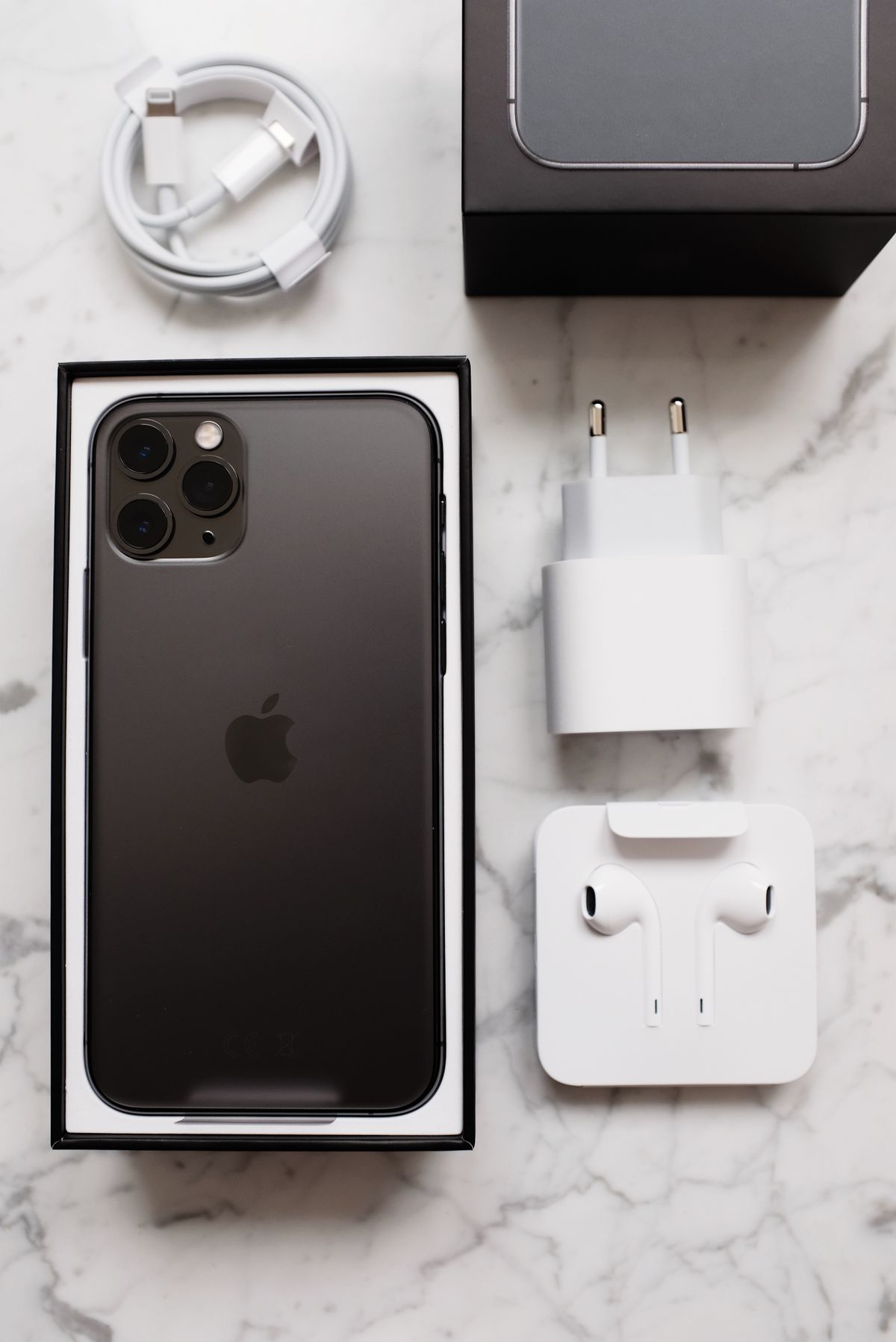
Choose a charging cable by its supported power and usable length, then choose a transfer cable by the slowest relevant port and the files you move. Many households need one clearly labeled high-speed cable rather than a drawer full of premium leads. Verify the exact specifications; the USB-C connector shape and a high wattage claim do not establish the cable's data performance.
One connector, several different jobs
Imagine returning from a family holiday with a phone full of video. The cable beside the bed charges reliably, so it seems like the obvious way to copy everything to a laptop. The transfer may still feel unexpectedly slow. Charging power and data bandwidth are separate buying considerations, even when two cables have identical connectors and similar packaging.
Treat a cable as a tool for a specific route: phone to charger, camera to laptop, or laptop to display. Write that route down before shopping. This small habit prevents paying for abilities that your devices cannot use, and it helps distinguish a missing cable capability from a limitation in the computer, accessory, or phone at the other end.
Shop for charging without guessing
For a charging cable, compare its stated power rating with the adapter and device you plan to use. USB-IF's certification guidance distinguishes power markings from data-rate markings. A product description should tell you both where relevant. A large power number is useful information for a laptop lead, but it does not make the cable a high-speed storage connection.
Length also changes the experience. A short lead suits a power bank carried beside a phone; it can be irritating at a hotel bedside. A longer lead provides reach but adds bulk to a travel pouch. Check the connector housing against a thick phone case, since a plug that cannot seat fully is an everyday compatibility failure regardless of its printed rating.
Buy data performance for the whole connection
Apple documents that the USB-C cable supplied with compatible iPhones supports USB 2 data, while supported Pro models need an appropriate USB 3 cable for their faster connection. That illustrates why the cable label matters. Check your exact phone's technical specifications rather than assuming every phone in the same family exposes the same transfer speed.
The computer port, storage destination, and software workflow also constrain the result. Buying a faster cable will not make a slow external drive instantly faster. If transfers happen only once a month, consider whether a moderately priced cable and a little waiting solve the problem. Frequent video work justifies a more deliberate match between every part of the chain.
Display support deserves its own check
Do not assume a cable sold for charging will also connect a laptop to a USB-C monitor. Verify the display requirement in the laptop and monitor manuals, then buy a cable explicitly suitable for that connection. Keep the cable included with a monitor or dock identified so it does not disappear into the general charging drawer.
Avoid choosing by thickness alone. A substantial jacket may feel reassuring, but it does not replace published compatibility information. The same applies to vague descriptions such as professional, premium, or universal. Prefer a manufacturer that names the supported data rate, power capability, and intended display use clearly enough for you to compare against your devices.
A small cable collection beats a confusing one
For a household, an efficient kit might contain a long charging lead where the phone rests, a short power-bank lead in the travel pouch, and a labeled data cable beside the computer. That arrangement gives each cable a reason to exist. It also makes troubleshooting easier: you can swap in the known data lead instead of trying several anonymous cables.
Inspect existing leads before ordering replacements. Keep undamaged cables that already serve a useful role, and retire ones with exposed conductors, damaged connectors, or unreliable operation. Buying every accessory at the highest available specification adds cost and weight. A clear label on a cable you already own can be more valuable than another expensive purchase.
Check your real task while returns are easy
After purchase, try the intended charging arrangement and a small representative transfer. Confirm the device connects consistently, the plug fits with its case, and the cable reaches comfortably without bending sharply at the connector. For a monitor cable, check the resolution and refresh setting you actually plan to use. Save the product's stated specifications with the order receipt.
If the result disappoints, isolate one component at a time rather than immediately ordering another lead. Try a known compatible port and check the device manual. Your best purchase is the least complicated cable that reliably performs the required job. Use the source documentation below to translate the specification into a practical shopping decision.
Choose for the way you use it
| Use case | Look for | Tradeoff |
|---|---|---|
| Bedside charging | Suitable power rating and comfortable reach | May offer only basic data speed |
| Large video transfers | Documented data rate matching both devices | Often costs more and can be less flexible |
| USB-C monitor | Explicit display compatibility | Charging claims alone are insufficient |
Before you buy
- Write down the two devices the cable connects.
- Verify power and data ratings separately.
- Check connector clearance with the phone case fitted.
- Label a proven transfer or display cable after checking it.
Common questions
Does a 240W label mean the cable transfers data faster?
No. That label concerns supported power. Look separately for a stated data rate and any display capabilities your setup requires.
Should I replace all USB-C cables with one premium model?
Only if that model suits every required task and length. Keeping charging, travel, and transfer cables clearly identified is often more practical.
Sources & further reading
Official information consulted October 19, 2026. Buying recommendations and use-case judgments are TechPixl editorial analysis.