Compare local and cloud camera storage by asking how you will review clips, export footage, handle outages, maintain cards, and budget for subscriptions.
Our advice is based on published information and the use cases explained below. Manufacturer links in this guide are ordinary links, not paid placements. How links work.
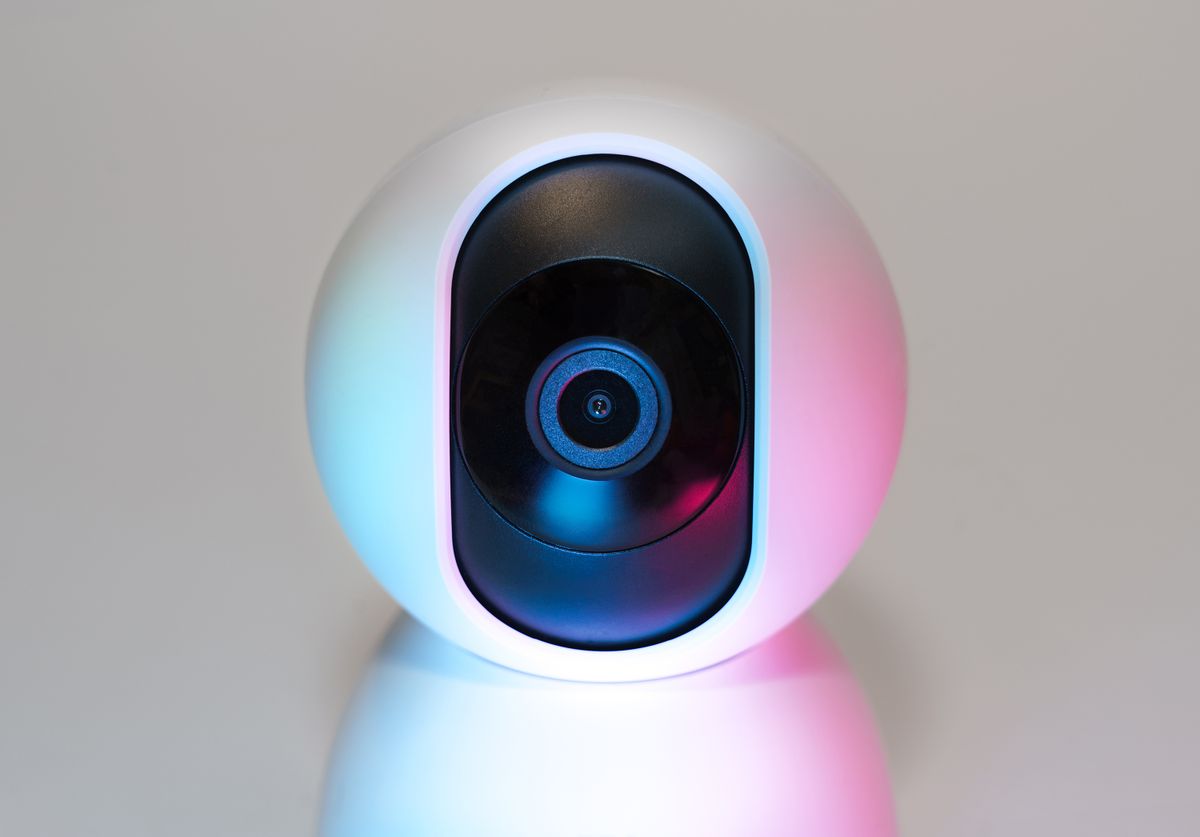
Local recording can suit readers who want to manage their own storage media, while cloud recording can simplify access to supported event history away from the camera. Some products offer both. TechPixl Editorial recommends choosing from the footage you need to review and the maintenance you will accept. Neither approach guarantees that every event survives an outage, theft, configuration error, or service change.
Start with the clip you want to find
Imagine arriving home and wanting to know when a delivery reached the porch. Do you need a short event clip, a continuous timeline, or simply a live view when the doorbell rings? These are different functions. A camera with local storage does not automatically record continuously, and a cloud subscription does not automatically include every recording mode on every device.
Write down how long you need footage to remain available and how quickly you would notice an event. A reader who checks the camera only after a weekend away has different retention needs from someone who responds to notifications throughout the day. Make that requirement explicit before comparing storage capacity or plan names.
Local storage means ownership and maintenance
A camera may record to an internal card, a hub, or another supported local recorder. TP-Link's Tapo C120 documentation, for example, lists local microSD storage alongside an optional cloud service. That establishes options for the specific product, not a rule for every camera. Confirm supported media, capacity, recording modes, and whether the card or hub is sold separately.
Local media requires attention. Read the formatting and compatibility guidance, check that recording is enabled, and occasionally confirm that a recent clip can be played and exported. A card installed months ago is not evidence that today's footage exists. Choose a routine you can maintain without turning a small home camera into a neglected storage project.
Cloud storage is a service as well as a feature
A cloud plan may provide access to recorded events through an account, but its scope depends on the product and subscription. Google's history guidance illustrates distinctions between event history and continuous history. Read the details for the camera you intend to buy, including plan eligibility, retention, regions, and limits. Do not infer these from another model with a similar name.
Budget for renewal as well as the first month. Check whether the plan covers one camera or several, how cancellation affects existing recordings, and whether you can export clips before they expire. The recurring service is part of the total ownership decision rather than an optional extra if it supplies the main function you need.
Plan for interruptions without assuming resilience
Power loss, internet loss, device removal, and account problems are different failure conditions. A local card may remain in the camera if the unit is taken. Cloud access may depend on a working internet connection for upload. Some devices offer limited offline behavior, but that must be verified in the exact documentation rather than assumed from a storage label.
If a particular failure matters to you, ask a specific question: will this model record when internet access is lost, and where will the footage be stored? Will it still have power? Can the clips be retrieved afterward? A vague claim of backup is less useful than an explicit supported behavior for the circumstance you are planning around.
Access control and placement belong in the plan
Choose who needs access and use separate supported household accounts where available rather than casually sharing a main password. Enable appropriate account protection, keep device software current, and review any external integrations. These steps can reduce avoidable problems, but no consumer product or storage choice removes all privacy and security risk.
Place cameras only where observation is appropriate and discuss indoor recording with the people affected. Review the actual field of view, audio settings, and privacy controls. Buying more resolution is not a substitute for deciding whether a camera belongs in that location at all. Follow applicable local requirements and manufacturer guidance.
Compare the complete recording cost
For local storage, total the camera, compatible media, any required hub, and the time you will spend checking recordings. For cloud storage, total the hardware and the plan needed for your chosen history period. For a mixed approach, confirm that both functions can operate in the way you expect; the presence of two options does not establish every possible combination.
TechPixl Editorial would shortlist products only after this recording plan is clear. Use official documentation to verify current capabilities and plan terms, then choose a manageable setup. The best purchase is the one that can supply the clips you actually need under documented conditions, with limits you understand and maintenance you are prepared to perform.
Choose for the way you use it
| Use case | Look for | Tradeoff |
|---|---|---|
| Manage your own recordings | Supported local media and export | Media needs checking and maintenance |
| Review events away from home | Suitable cloud history and account access | Recurring plan and upload requirements |
| Specific outage concern | Documented behavior for that exact outage | Extra power or storage may be needed |
Before you buy
- Confirm event versus continuous recording support.
- Check card or hub requirements and included accessories.
- Read retention, export, and cancellation terms.
- Verify behavior during internet and power interruptions separately.
Common questions
Is local storage automatically private and secure?
No. Device access, account controls, networking, placement, and updates still matter. The physical location of a recording is only one part of the decision.
Does a cloud plan record continuously?
Only when the specific camera and plan support it. Many arrangements focus on events, and capabilities vary with power and device type.
Sources & further reading
Official information consulted October 19, 2026. Buying recommendations and use-case judgments are TechPixl editorial analysis.