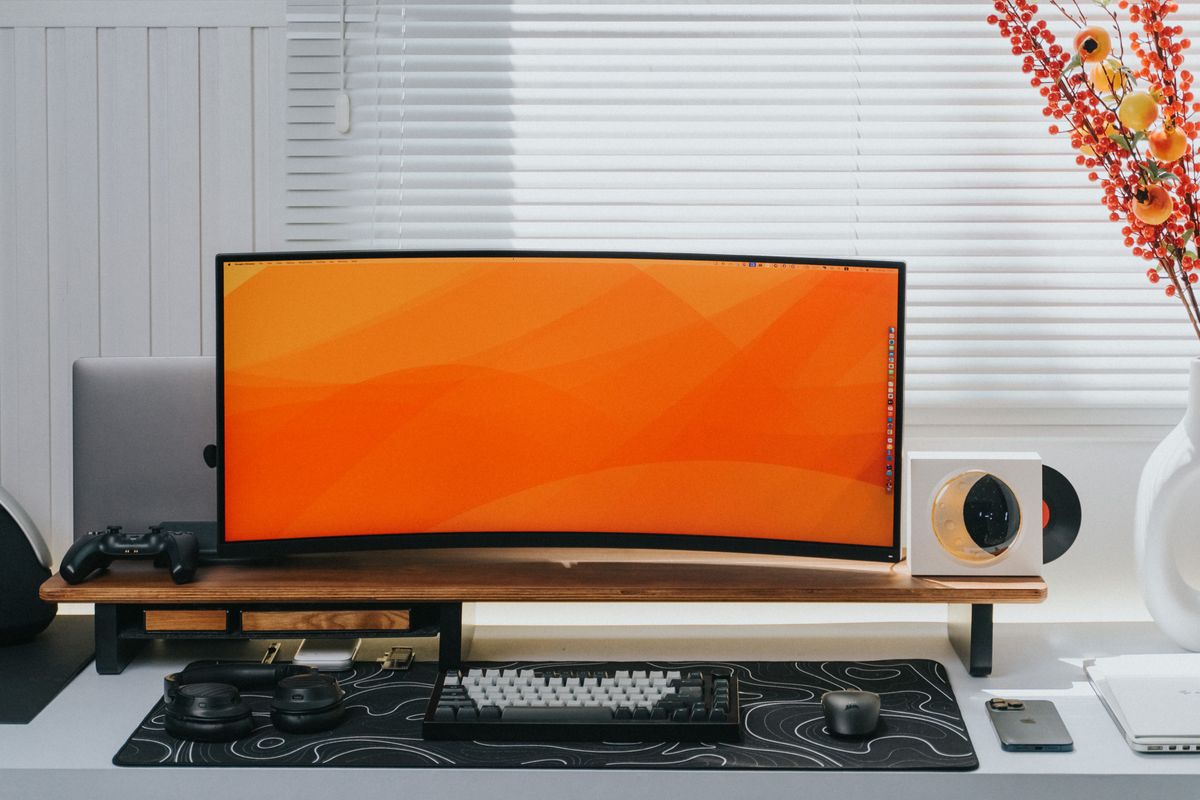
A shared table needs an accessory that is easy to set up and put away. Compare fixed, folding, and adjustable laptop stands around your screen and input devices.
Our advice is based on published information and the use cases explained below. Manufacturer links in this guide are ordinary links, not paid placements. How links work.
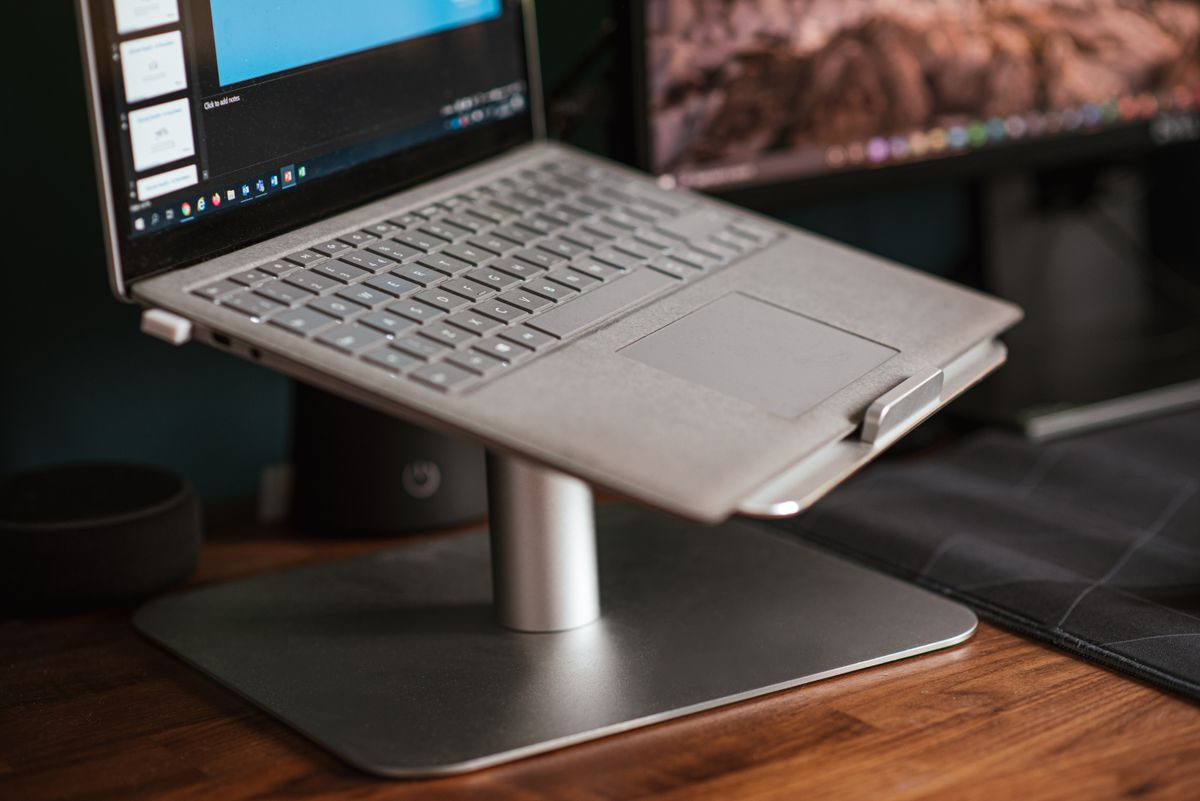
Choose a fixed stand for a dedicated desk and a folding adjustable model when the workspace regularly moves or packs away. Check the laptop's width, weight, and vent positions against the exact stand, then budget for an external keyboard and pointing device if you plan to elevate the screen for sustained work. Buy enough adjustment for your setup; maximum height is not the main measure of usefulness.
Map the ordinary working day
A dining table can be a workspace at nine in the morning and a family table again by dinner. A laptop stand needs to suit both parts of that day. Before comparing materials or shapes, decide whether the accessory will stay assembled, move between rooms, or travel in a bag. The best-looking permanent stand may be an awkward choice if it must disappear into a narrow drawer every afternoon.
Write down what comes with the laptop: a charger, external keyboard, mouse, notebook, and perhaps a second display. Sketch where those items sit on the available surface. Raising a computer can reclaim some space underneath, but the stand's own feet still occupy the table. Check the complete arrangement rather than assuming that elevating one object automatically creates a comfortable working area for everything else.
Choose between a fixed position and real adjustment
A fixed-height stand suits a dedicated desk when its geometry already matches the chair and display arrangement. It can also be straightforward to resume each morning because there are fewer positions to reset. A folding wedge may suit short mobile sessions and travel, while a hinged model offers more flexibility for different tables. Decide which of those jobs you need before comparing premium finishes or elaborate adjustment mechanisms.
Twelve South describes its Curve as a desktop stand and Curve Flex as a model with adjustable height and angle that folds for transport. That distinction is useful when building a shortlist. It is a difference in workflow, not a reason to assume the adjustable version is always the better purchase. If you never change the setup, paying for more moving parts may offer little daily benefit.
Read fit limits beyond the screen size
Laptop diagonal size is only one part of compatibility. Check width, depth, weight, underside shape, and the position of feet or vents against the support arms. A computer should sit as described by the stand maker rather than balancing on a rounded edge or an obstructed vent. Remove any accessory that prevents the intended contact, and verify the laptop fits before treating the stand as a permanent fixture.
The Curve Flex product page, for example, specifies laptops at least 8.66 inches wide and up to seven pounds. Those are model-specific limits to compare with your machine, not general limits for all laptop stands. The same page provides folded dimensions and notes an included hinge tool. Consult equivalent details for whichever design you choose, especially if portability and long-term adjustment matter to the purchase.
Plan how your hands will work
Elevating a screen also changes where the built-in keyboard and trackpad sit. For sustained work with a raised display, plan a separate keyboard and pointing device at an appropriate position on the table. Include their cost and storage needs in the purchase decision. A stand can be inexpensive by itself and still become a larger accessory purchase once the input arrangement is made usable.
A low wedge and a high screen support are different setups. Do not extend a stand as far as possible and assume typing on the elevated laptop is the intended arrangement. Follow the product instructions and try your actual task before deciding where it should sit. If you already own suitable peripherals, check that they fit the remaining desk area without forcing the mouse into a cramped strip beside the keyboard.
Keep cables and displays part of the decision
Raising a laptop can make a previously adequate charging cable too short or change the direction in which a dock pulls on a port. Trace the connections with the computer at the intended height. Leave sensible slack and keep adapters supported rather than dangling from connectors. A cable tidy can help, but it should not lock the arrangement so tightly that moving the laptop becomes a chore.
If you use an external display, compare the laptop's working screen position with that monitor. Useful alignment depends on both devices and the chair, so a stand's maximum-height marketing figure does not establish your result. Try the display arrangement with the windows and applications you actually use. You may need a moderate lift, a different monitor position, or less adjustment than the most expensive stand offers.
Check the pack-away routine during the return period
Assemble the whole workspace, type a normal document, use the pointing device, and join a short call. Check that the computer sits securely and that ordinary desk movements do not produce an irritating wobble. Then put everything away as you would at the end of the day. A folding mechanism that looks clever in a photograph may be inconvenient if it catches cables or requires clearing the entire table first.
Choose the simplest design that supports your real laptop and the positions you need. A dedicated desk may justify a fixed stand; a shared table may justify a folding model with useful adjustment. Save the compatibility information and follow any hinge-maintenance instructions. Explore current manufacturer options only after counting the complete kit, because the worthwhile upgrade is a repeatable workspace rather than an isolated piece of attractive metal.
Choose for the way you use it
| Workspace | Look for | Tradeoff |
|---|---|---|
| Permanent home desk | Fixed geometry that suits the complete setup | Less adaptable to other tables |
| Shared dining table | Folding design and convenient storage | More setup and adjustment each day |
| Raised screen for longer sessions | External keyboard and pointing-device space | Higher complete-kit cost |
Before you buy
- Compare laptop weight, width, and underside contact points.
- Measure the full desk with separate input devices.
- Check cable slack at the intended working height.
- Try both the work session and the pack-away routine.
Common questions
Should I buy the tallest laptop stand?
Choose the adjustment range your desk, chair, and display arrangement require. Maximum height alone says little about the useful everyday position.
Do I need an external keyboard?
Plan one, along with a suitable pointing device, when the laptop screen is elevated for sustained work. Include their cost and desk space before purchasing the stand.
Sources & further reading
Official information consulted October 19, 2026. Buying recommendations and use-case judgments are TechPixl editorial analysis.