Bills, school forms, travel bookings, and occasional spreadsheets need different tools. Choose a tablet or laptop around the tasks that slow you down.
Our advice is based on published information and the use cases explained below. Manufacturer links in this guide are ordinary links, not paid placements. How links work.

A tablet suits light household admin when the required websites and apps work comfortably and you also value reading or video. A laptop is the more straightforward choice for long forms, complicated files, and frequent typing. Compare the full tablet setup with a keyboard and stand against a laptop, and test the awkward task that currently sends you searching for another computer.
Audit one ordinary evening
Evening admin often starts with a quick utility bill and ends with school attachments, a travel booking, and a spreadsheet somebody emailed. A tablet feels appealing because it is easy to carry to the sofa. A laptop seems excessive until a particular website or file turns a ten-minute job into an hour. List the tasks that actually happen in your household.
Separate reading and approving from creating and organizing. Checking a balance or signing a straightforward document may be comfortable on a tablet. Comparing several travel options while moving files between services can require more deliberate app switching. The right purchase depends on how often the difficult tasks occur, not whether the majority of individual taps are simple.
Test the least forgiving website first
Before replacing a computer with a tablet, try the websites you cannot avoid: school portals, local government forms, booking systems, and any employer-approved service you use at home. Check uploads, downloads, printing, and authentication rather than only the opening page. A visually modern site can still contain one step that is awkward in a mobile browser.
If you cannot try the exact device in advance, read the service's supported-browser guidance and use a retailer with clear return terms. Avoid assuming that an available app includes every feature of its desktop counterpart. The problem may be manageable, but you should understand the workaround before committing the household's only general-purpose device to it.
Price the keyboard and the place to use it
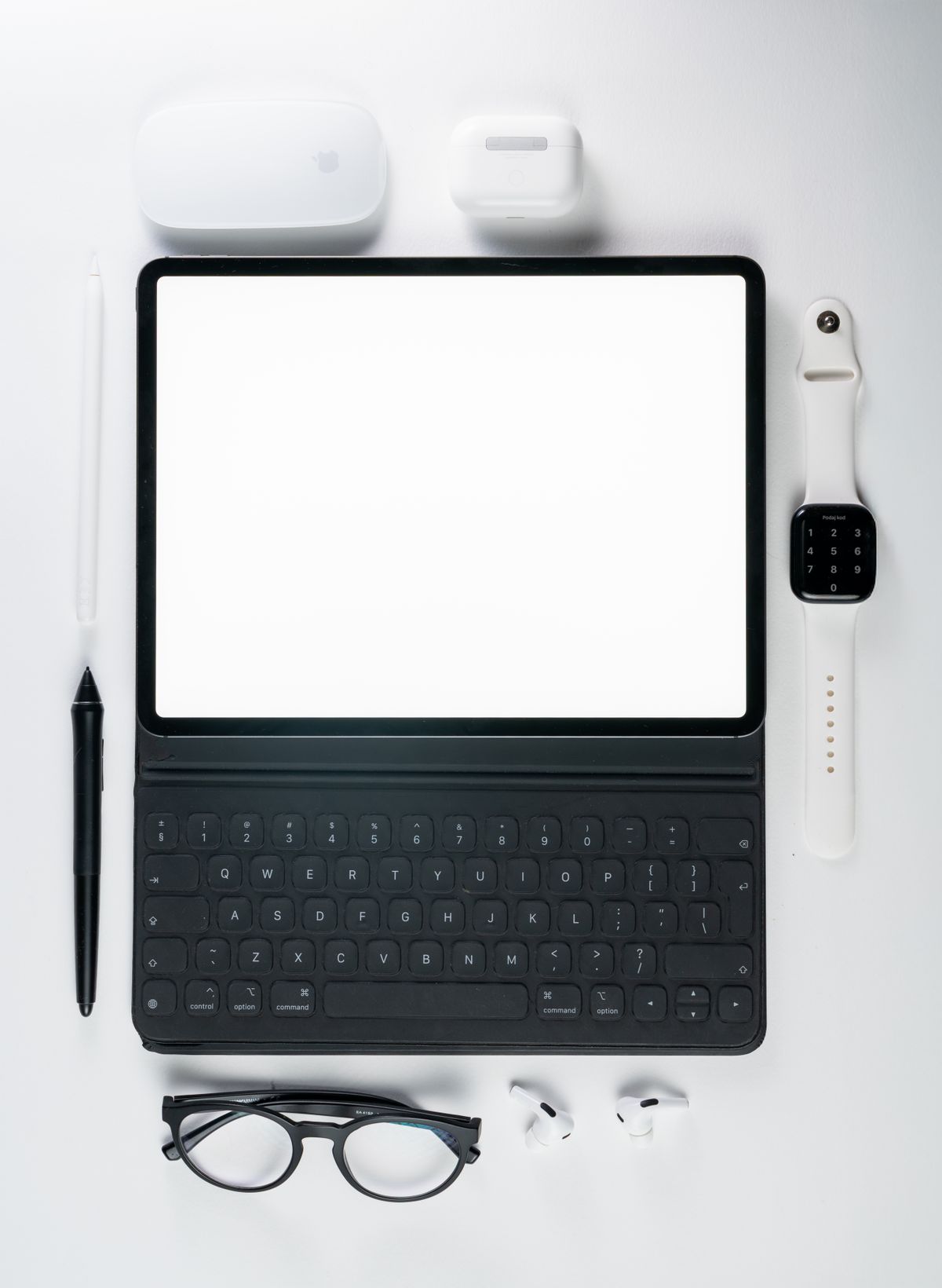
A tablet with a keyboard, protective case, and stand is a different purchase from the tablet alone. Add those accessories to your comparison, including any charger or adapter you need. Check whether the keyboard is comfortable on your lap, whether it has a pointing device if you want one, and how much the complete package weighs in a bag.
A laptop's integrated keyboard and hinge simplify setup at a dining table. A tablet can be more flexible for recipes, reading, and handwritten notes, especially if those uses matter every day. Neither format wins every room. Picture where you will complete a long form at ten in the evening, including the lighting, table space, and need to clear everything away afterward.
Follow the files through the whole job
Try downloading an attachment, renaming it, editing it, and uploading the final version. Check whether your preferred tablet app preserves the document features you need. Apple documents external-storage support for compatible iPads, but accessory and power requirements depend on the setup. A USB-C connector alone does not answer every question about a drive or an unfamiliar file format.
If your tasks involve large spreadsheets, specialist desktop software, or several external accessories, a laptop is often easier to recommend. That is an editorial workflow judgment, not a claim that tablets cannot handle serious work. A household that already has another computer available can tolerate an occasional workaround more comfortably than one buying its only device.
Consider sharing, accounts, and longevity
Think about who uses the device and what should remain private. Check the platform's account options before assuming it supports the same household-sharing arrangement as your current computer. Banking, shopping, school communications, and personal photos should not become confusing simply because everybody reaches for the same convenient screen. Agree where files belong and whose account pays for subscriptions.
Also examine the support horizon, storage configuration, repair options, and the accessories likely to survive a future device change. Avoid spending the entire budget on performance you will not notice while leaving no room for a usable keyboard or protection. A slightly simpler device with the right accessories can fit household admin better than a premium model used awkwardly.
Buy for the task you want to finish
Choose a tablet if your required services work well, typing is occasional, and its other roles make it a regular companion. Choose a laptop if life admin repeatedly involves a keyboard, file handling, or desktop tools. Keeping an existing computer and adding a modest tablet can also be sensible when the old machine still handles the difficult tasks reliably.
Use current manufacturer specifications to compare available sizes and configurations, then check the final bundle price. During the return period, complete a real evening's paperwork from beginning to end. The most persuasive result is not an impressive specification sheet; it is finishing the job without reaching for another device or postponing the awkward part until tomorrow.
Choose for the way you use it
| Use case | Look for | Tradeoff |
|---|---|---|
| Reading, bills, and light forms | Tablet with verified service compatibility | Some tasks may need workarounds |
| Long forms and regular spreadsheets | Laptop with comfortable keyboard | Less convenient for handheld reading |
| Shared household device | Appropriate account and privacy arrangement | Platform options differ |
Before you buy
- Try the most complicated required website end to end.
- Add keyboard, stand, case, and adapters to the tablet cost.
- Check document editing, downloads, and uploads.
- Confirm household account and printing requirements.
Common questions
Is a tablet always cheaper than a laptop for basic tasks?
Compare complete setups. A keyboard case, stand, and adapters can change the total substantially, while a basic laptop may already include what you need.
Can an iPad use external storage?
Compatible iPads can connect external storage, but supported formats, connectors, and power requirements matter. Check Apple's guide against your exact device and drive.
Sources & further reading
Official information consulted October 19, 2026. Buying recommendations and use-case judgments are TechPixl editorial analysis.