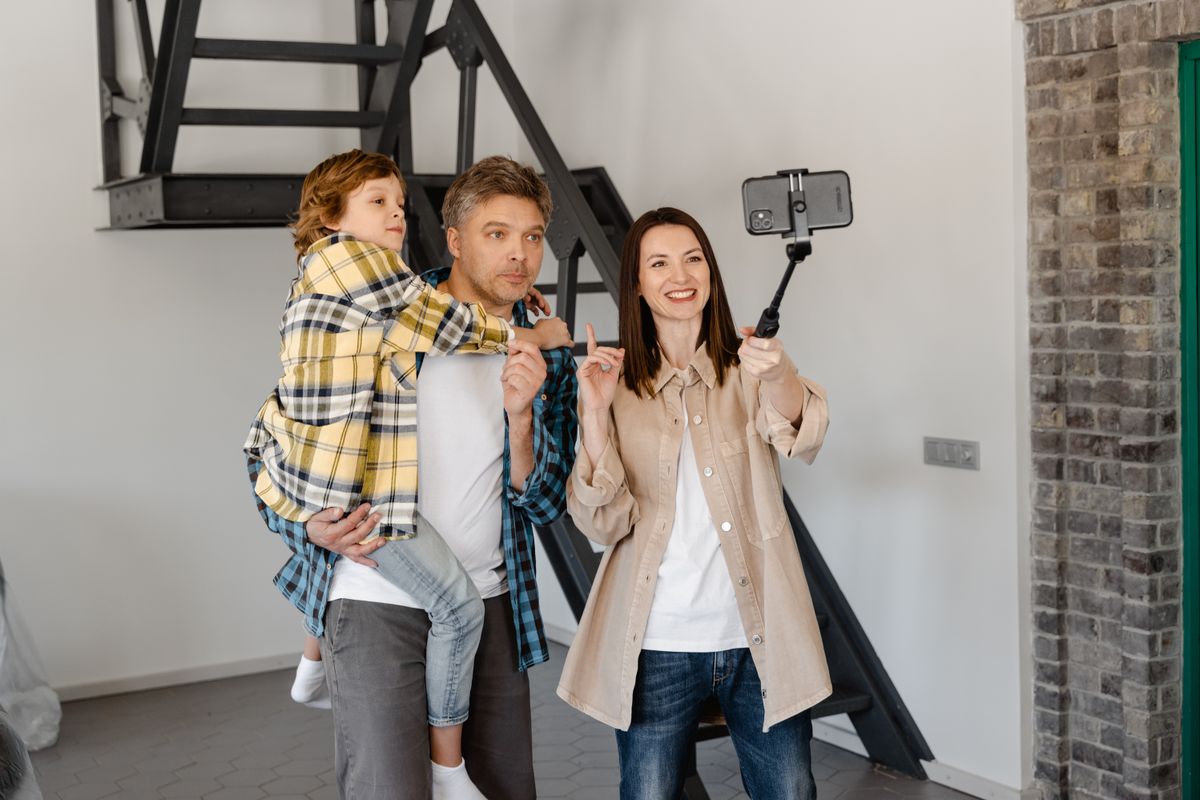
Get everyone into the birthday video without balancing a phone on a mug. Compare tabletop supports, full-height tripods, clamps, and useful recording controls.
Our advice is based on published information and the use cases explained below. Manufacturer links in this guide are ordinary links, not paid placements. How links work.
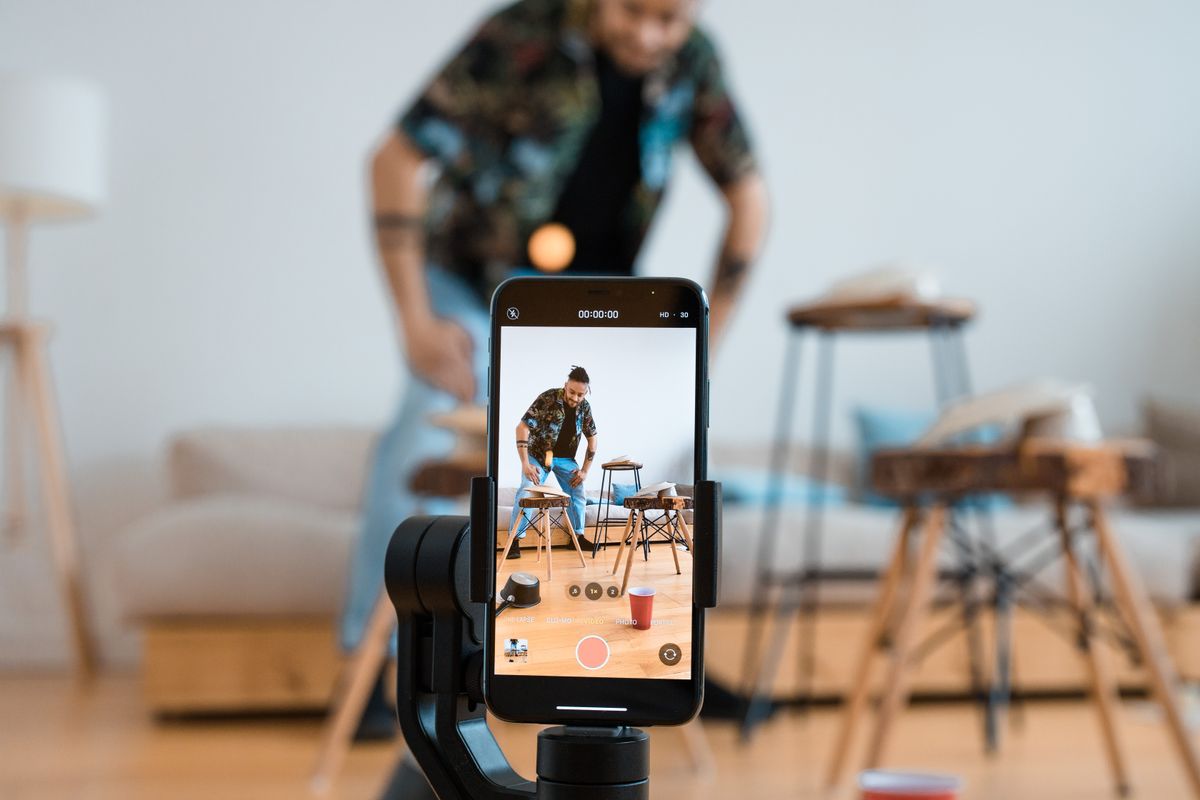
Choose a tabletop tripod for seated family activities and a full-height model when the phone needs to frame standing people without borrowed furniture. Check the clamp against the phone with its case attached, and verify portrait and landscape mounting separately. A dependable support and an easy recording routine usually matter more than bundled lights or a remote you have not checked with your camera app.
Begin with where the family will be
Picture a birthday cake arriving while the person holding the phone realizes they are missing from another family video. A tripod can solve that familiar problem, but only if it puts the lens in the right place. Decide whether you normally record people sitting around a table, playing on the floor, or standing in a garden. Those are different height requirements, even when the same phone records them all.
For a board-game evening, a small tripod on a side table may be sufficient. A standing group needs a higher support or a suitable surface behind the camera. Measure the available position rather than buying the tallest model by default. Include the space required for open legs: an accessory that blocks a busy doorway is unlikely to become part of a relaxed family routine.
Treat the phone clamp as a separate purchase decision
Check the clamp's opening range against the phone with its everyday case fitted. Camera protrusions, side buttons, and an attached grip can affect where the jaws sit. The holder should grip the intended surfaces without pressing a button. A description saying universal is less useful than dimensions and clear photographs of how the phone is secured. Confirm that the tripod and clamp are both included in the package you choose.
Manfrotto's PIXI Clamp, for example, specifies a 60–104 mm phone-width range and separate quarter-inch mounting positions for portrait and landscape orientation. Its product page also names an incompatible tripod kit. These details illustrate why compatibility needs checking even within one brand. Use the exact model documentation, and avoid assuming that every holder from the same manufacturer has identical openings or mounting arrangements.
Buy stability appropriate to the location
A compact tabletop support is easy to store beside the family camera accessories, while a full-height tripod asks for more cupboard and floor space. Flexible legs can be convenient on an uneven surface, but do not assume they make every improvised attachment sensible. Choose a stable location where the phone will not fall into a plate, pool, or walking route if someone brushes past. Keep the arrangement within the maker's instructions.
For outdoor gatherings, consider the surface and likely wind before extending a light tripod to maximum height. A phone mounted above narrow legs can be more awkward than the package photograph suggests. Additional accessories change the load and balance too. If a light or microphone is genuinely needed, verify the whole setup instead of treating the phone's weight as the only figure that matters.
Keep starting the recording uncomplicated
Check how you will begin and end a clip before buying a remote-control bundle. Bluetooth shutter controls do not guarantee the same behavior in every camera application or recording mode. Read the controller's compatibility notes and try your preferred app during the return period. An ordinary recording button followed by a few seconds you trim later can be easier than maintaining another small battery-powered accessory.
Apple's iPhone video guide documents using Camera Remote on a compatible Apple Watch to record video. That may cover the job with equipment a household already owns. Regardless of the control method, make a short clip and play it back before an important event. Confirm that you selected video rather than a still-photo mode, and check available storage and battery charge while nobody is waiting for the cake.
Spend on framing before a box of accessories
Look through the camera preview from the intended tripod position. A few steps backward may fit the group more comfortably than an add-on lens. Check that heads remain in frame when people stand up, and avoid placing a bright window behind everyone. A support helps keep composition consistent; it does not fix difficult lighting or make a distant conversation easier to hear. Keep those problems separate when making a shopping list.
For ordinary family clips, a reliable clamp and suitable height are sensible first purchases. Add a microphone only when the recording scenario repeatedly demands it, and compare the connector and app requirements carefully. A large kit can offer good value if its parts have a real job, but unused lights, brackets, and cables consume storage and make a spontaneous recording slower to arrange.
Check the setup in an ordinary evening
Before relying on the new support, assemble it where you plan to record. Fit the case, change between the required orientations, and check whether a charging cable can connect without pulling the phone sideways. Record a seated conversation or a short family activity. This establishes whether the arrangement suits your home; it is not evidence of professional stabilization performance or a universal recommendation for every phone.
Keep the packaging until you know the legs, clamp, and adjustment controls are convenient. Buy a tabletop model when furniture provides the height you need, and pay for a full-height tripod when it removes an actual framing constraint. Explore the current manufacturer options after deciding those requirements. The most useful purchase is the one you can set up quickly enough that everyone remains part of the moment.
Choose for the way you use it
| Recording situation | Look for | Tradeoff |
|---|---|---|
| Seated games or birthday table | Compact tabletop support and clear clamp fit | Needs furniture at a useful height |
| Standing family group | Suitable working height and stable leg footprint | More storage and floor space |
| Both portrait and landscape clips | Documented orientation mounting | Changing direction may require repositioning |
Before you buy
- Measure the phone with its normal case attached.
- Confirm the package includes the clamp and tripod.
- Check the lens height and open-leg footprint in the room.
- Try the chosen recording control with your actual camera app.
Common questions
Do I need a Bluetooth remote?
Only if it simplifies your recording routine and supports the app and mode you use. Starting a clip manually and trimming the beginning is also practical.
Can any smartphone clamp switch to portrait?
No. Check the mounting arrangement, phone clearance, and exact model instructions. A tilting head alone does not guarantee a useful portrait position.
Sources & further reading
Official information consulted October 19, 2026. Buying recommendations and use-case judgments are TechPixl editorial analysis.