TechPixlEveryday tech, in focus.
THE TECHPIXL ARCHIVE

More useful reading.

Buying guides for your home, your work and everything in between.

Buying a Robot Vacuum for a Small, Cluttered Home

Smart Home
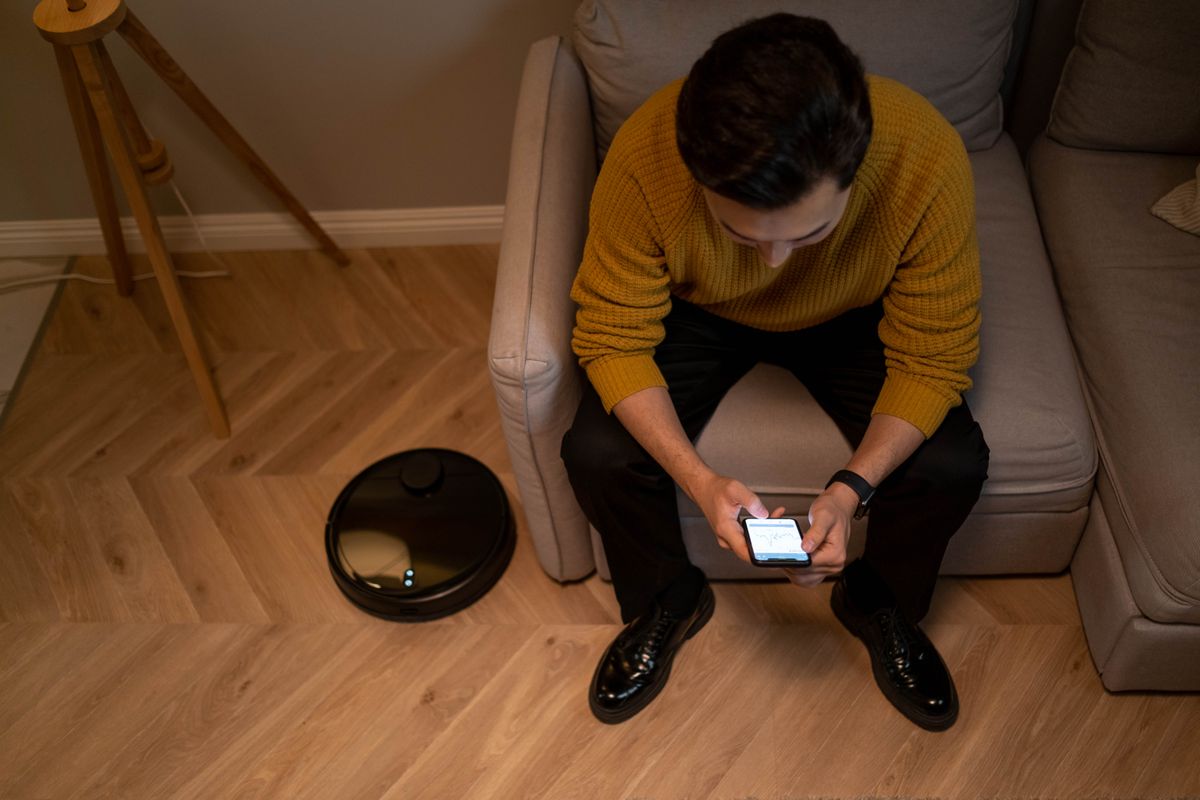
Choose robot cleaning equipment around chair legs, charging cables and dock space, with a realistic plan for the maintenance it leaves behind.

In a small home, usable floor access and a sensible dock location often matter more than maximum advertised suction. Buy for the rooms you can consistently prepare, verify the exact model's mapping controls and include replacement supplies in the budget. A compact manual vacuum can be the better purchase when daily floor clutter would turn every scheduled run into a rescue job.

Read the buying guide →Practical advice

How to Choose a Compact Keyboard for Tablet Work on the Road

Travel & Everyday Gear

Compare a separate Bluetooth keyboard with a fitted tablet case by checking typing space, app shortcuts and the surfaces where you will actually work.

Choose the keyboard around the work surface and apps you use most. A separate Bluetooth model can offer flexible placement and serve more than one device; a compatible keyboard case keeps the setup together. Include the stand, protective cover and pointing method in the packed size. Buy only after confirming that the tablet can complete the intended job without the laptop you plan to leave behind.

Read the buying guide →Practical advice

Glass or Film? Choose a Screen Protector Around Your Actual Phone

Phones & Accessories

A protector should fit the case and keep everyday touch and unlocking convenient. Compare glass, film, installation tools, display finish, and replacement value.

Begin with exact model compatibility, case clearance, and fingerprint-reader support before choosing glass or film. Glass is a reasonable candidate when you like a rigid overlay and a supplied alignment tray; film can suit a particular contour or finish when the maker explicitly supports it. Neither material label guarantees drop protection or effortless unlocking. Compare the complete installation kit and replacement terms, not a hardness number alone.

Read the buying guide →Practical advice

How Much Laptop Memory Do You Need for an Ordinary Busy Day?

Computing & Workspaces

Plan laptop RAM around overlapping calls, browser tabs, documents, and photo work, then check whether your chosen configuration can ever be upgraded.

For a new laptop used for overlapping office work, calls, browsing, and occasional photo editing, TechPixl Editorial would begin the shortlist at 16GB and consider more when the actual applications justify it. This is a purchasing starting point, not a measured minimum. A fixed-memory laptop deserves particular care because the configuration bought today may remain the configuration for its entire useful life.

Read the buying guide →Practical advice

Wireless Earbuds Losing Battery Life? Check Service Before Replacing Them

Audio & Entertainment

Separate charging problems from an aging battery, compare official service with replacement, and shop for the ownership details that matter after the first year.

Compare a model-specific support diagnosis and current service estimate with the cost of a suitable replacement before discarding otherwise useful earbuds. TechPixl Editorial would check each bud and the case separately, then consider fit, replacement-part availability, and the daily charging routine. A new pair makes sense when it solves a real limitation; a new generation alone is a weaker reason to replace a comfortable set.

Read the buying guide →Practical advice
Choosing a Smart Lock That Fits Your Door and Your Guests

Smart Home

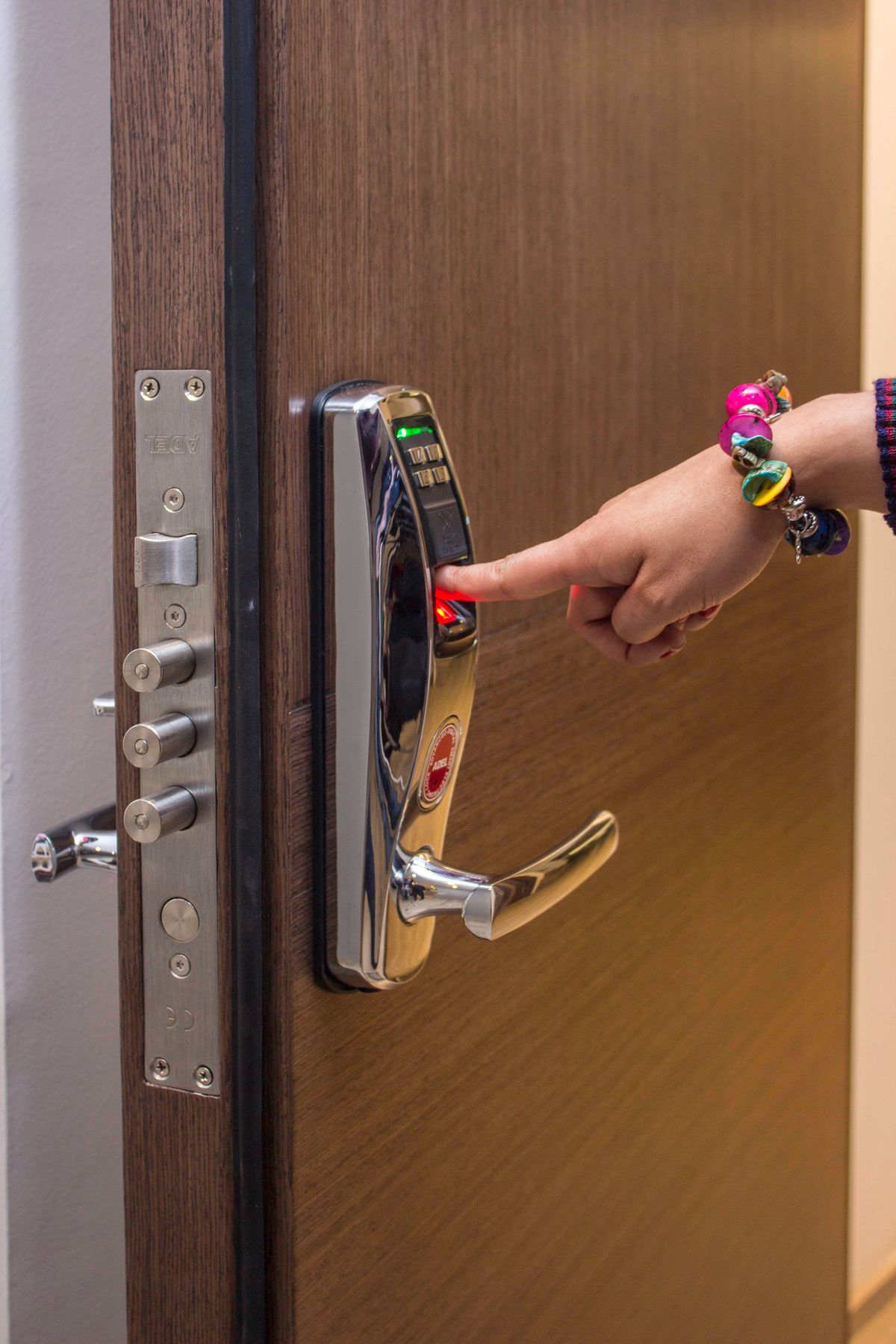
Check door hardware, remote-access requirements and guest permissions before paying for a lock that adds more app management than your household needs.

Start with the door's physical requirements, then choose how household members and guests will enter. A keypad can suit occasional visitors who do not want another app, while remote administration requires a verified connection and compatible equipment. Compare the exact regional lock, accessory modules and fallback procedure as one system. Convenience features should support a reliable everyday entry routine.

Read the buying guide →Practical advice

Mobile Hotspot or Phone Tethering for Your Next Trip?

Travel & Everyday Gear

Decide whether a separate hotspot earns its place by comparing tethering allowances, regional compatibility and how your travel group shares a connection.

Use your existing phone for occasional laptop access when its plan explicitly supports the intended tethering and destination. A separate hotspot becomes more useful for repeated shared use or keeping the connection independent of the person carrying the phone. Compare the data plan and regional hardware support before the device. Another box does not automatically improve cellular coverage or remove roaming restrictions.

Read the buying guide →Practical advice

A Phone Stand for Hands-Free Calls: Small Details That Make It Useful

Phones & Accessories

Keep family calls and desk conversations comfortably in view. Choose a stand by camera angle, case fit, charging access, and how much space it occupies.

A simple cradle with a stable base, a useful viewing angle, and room for your case is enough for most hands-free calls. Pay for extra height when the camera position needs it, and for a magnetic mount only when your phone and case support the intended attachment. Charging clearance is useful; wireless charging is optional. Choose a stand you can leave in the right place without rebuilding your desk.

Read the buying guide →Practical advice