TechPixlEveryday tech, in focus.
THE TECHPIXL ARCHIVE

More useful reading.

Buying guides for your home, your work and everything in between.

A Refurbished Phone Checklist for a Sensible Upgrade

Phones & Accessories
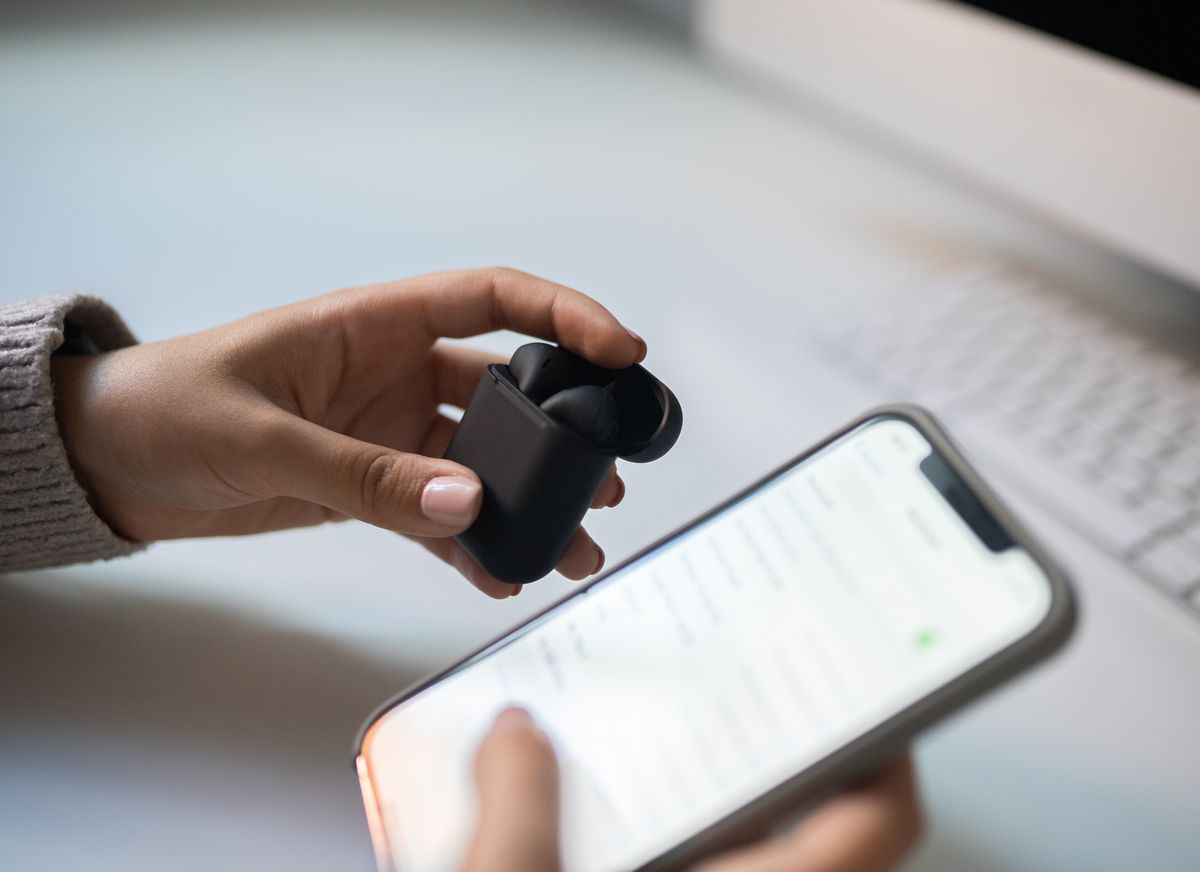
A refurbished phone can be a practical upgrade when condition, battery policy, account locks, network compatibility, and return terms are clear.

Choose a refurbished phone by the seller's documented inspection process, battery policy, return window, and support responsibility. Cosmetic grades alone are insufficient. Verify the exact model, storage, network compatibility, and account-lock status, then check ordinary functions promptly after delivery. A slightly more expensive device with clear recourse can be the better value for a phone your family depends on every day.

Read the buying guide →Practical advice
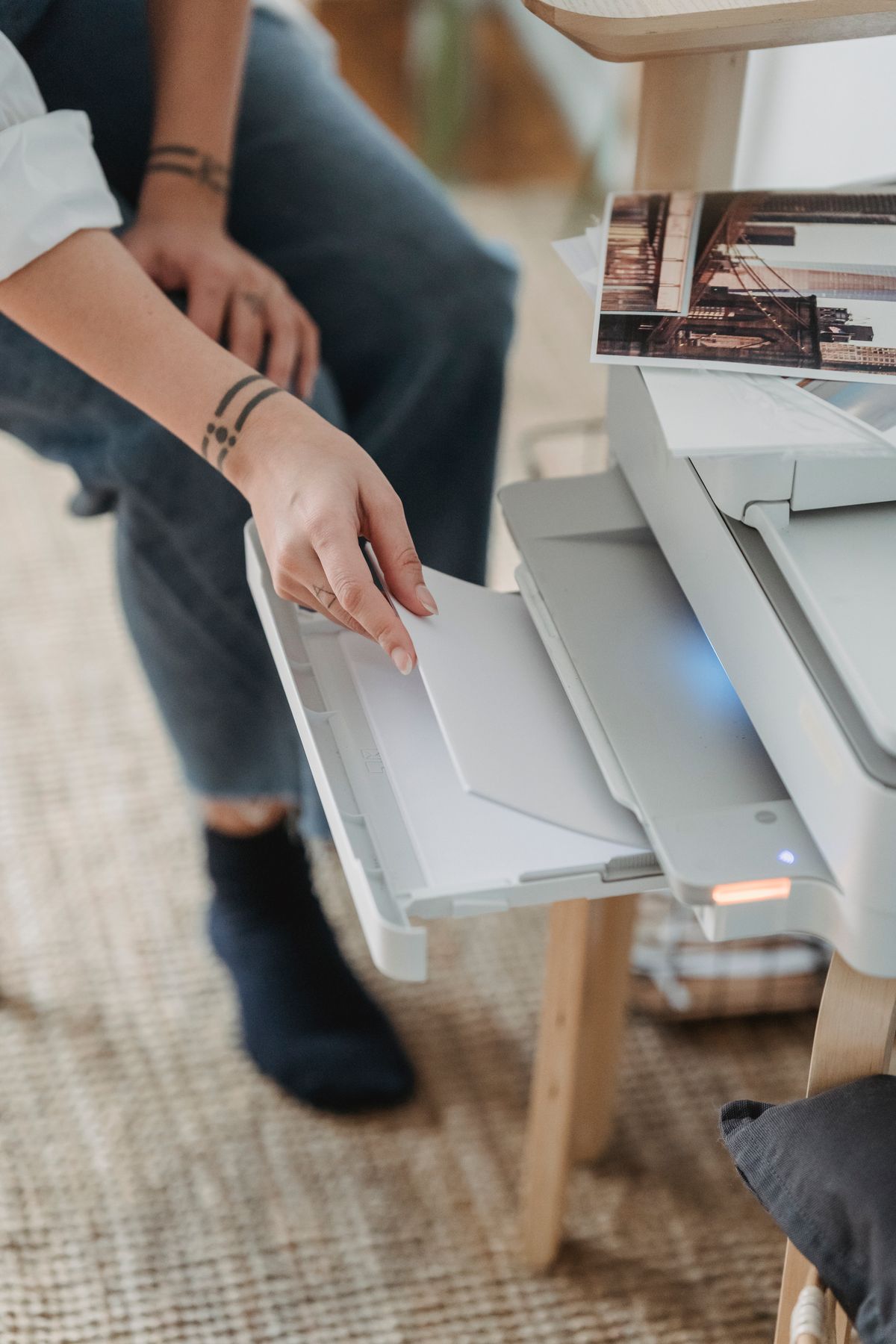
The Occasional Home Printer: What to Buy When You Print a Little

Computing & Workspaces

School forms, returns, and the occasional document need a different printer from a busy office. Compare useful features, supplies, space, and ownership cost.

For mostly black-and-white forms and labels, begin by comparing compact monochrome laser printers with clear supply costs and the connections you need. Choose an inkjet when regular color or photo output is a genuine requirement. If printing happens only a few times a year, a local service may be the better purchase decision. Budget for replacement supplies and usable shelf space, not just the printer.

Read the buying guide →Practical advice
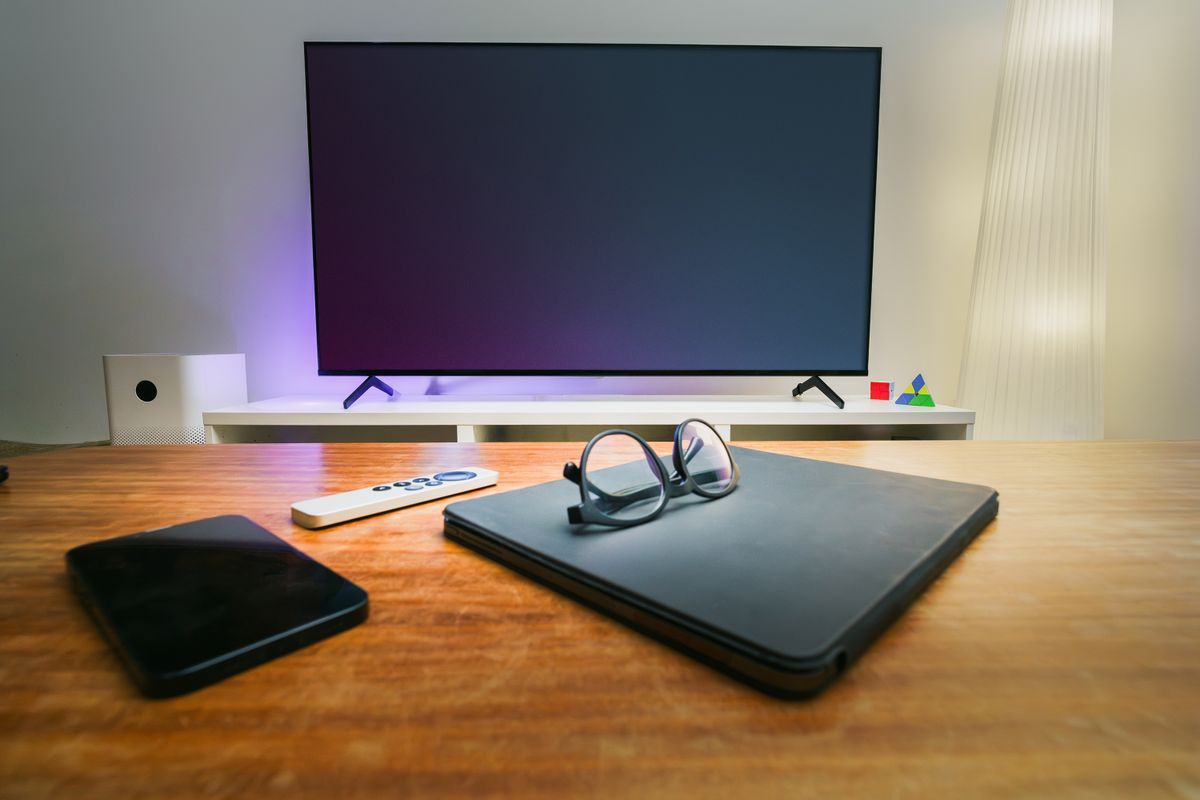
Do You Need a Streaming Box if Your TV Already Has Apps?

Audio & Entertainment

Decide whether a separate streaming player solves a real problem with your TV, including missing apps, slow navigation, remote habits, subscriptions, and ports.

Keep the television's built-in apps when they support your services and work comfortably. A separate player is worth considering when a missing service, awkward interface, or specific connection need repeatedly interrupts viewing. TechPixl Editorial recommends listing those problems first and verifying the exact player, region, and app support before purchase. Extra hardware should make the household's evening easier, not simply add another remote.

Read the buying guide →Practical advice
Fix Home-Office Wi-Fi Problems Before Buying Another Router

Smart Home

Use a simple home-office troubleshooting routine to separate weak coverage, device settings, background uploads, and provider problems before spending on Wi-Fi.

Buy networking hardware after you can describe what fails, where it fails, and which devices are affected. A weak office link may justify improved placement, an Ethernet path, or an additional access point; a service-wide problem may need the provider instead. TechPixl Editorial recommends changing one thing at a time and keeping a brief record, so the eventual purchase addresses evidence rather than a frustrating afternoon.

Read the buying guide →Practical advice

Is a Portable Monitor Worth Packing for Hotel Work?

Travel & Everyday Gear

Decide whether a second travel screen earns its place by checking laptop video support, hotel desk space and the full monitor, stand and cable package.

A portable monitor earns its weight when you repeatedly need two visible work areas for meaningful stretches of a trip. It is less convincing for a short visit dominated by meetings. Verify the laptop's video output and monitor power requirements before comparing panels. Include a stable stand, protective cover and the required cables in both the budget and packed weight.

Read the buying guide →Practical advice

Tablet or Laptop for Evening Life Admin? Follow the Tasks, Not the Screen

Phones & Accessories

Bills, school forms, travel bookings, and occasional spreadsheets need different tools. Choose a tablet or laptop around the tasks that slow you down.

A tablet suits light household admin when the required websites and apps work comfortably and you also value reading or video. A laptop is the more straightforward choice for long forms, complicated files, and frequent typing. Compare the full tablet setup with a keyboard and stand against a laptop, and test the awkward task that currently sends you searching for another computer.

Read the buying guide →Practical advice

Better Home Video Calls: Buy the Right Light Before Chasing More Pixels

Computing & Workspaces

A useful video-call setup starts with placement, lighting, and reliable access. Decide when a lamp, laptop stand, or external webcam is the worthwhile upgrade.

Start by placing the camera near a useful viewing angle and giving your face even light. If the built-in camera then meets your needs, keep it. Buy an external webcam for a better position, useful field of view, privacy controls, or specific image features. Higher resolution alone does not establish a better call, and your meeting software and connection affect what others receive.

Read the buying guide →Practical advice

Buying Noise-Canceling Headphones for a Long Travel Day

Audio & Entertainment

Choose travel headphones around long wear, charging, seat-back connections, bag space, and quick conversations rather than noise-canceling claims in isolation.

Choose travel headphones for the full journey: wearing comfort, reliable charging, understandable controls, and a practical backup connection. Noise cancellation is useful to consider, but it does not make the surroundings silent or replace attention to announcements. TechPixl Editorial would prioritize fit and a workable travel routine before premium formats, and verify airline and product instructions before relying on any wireless or wired feature.

Read the buying guide →Practical advice